
 Markets & Grocery
 Delis & Butchers
 Restaurants
 Retail
 Hospitality
MarketSquare for BakeriesAllergens, dates, and yields, handled before the first tray.
Labeling a prepared food is a different job than ringing one up. MarketSquare handles the ingredient statement, the dates, and what the batch actually cost.
Start Free Trial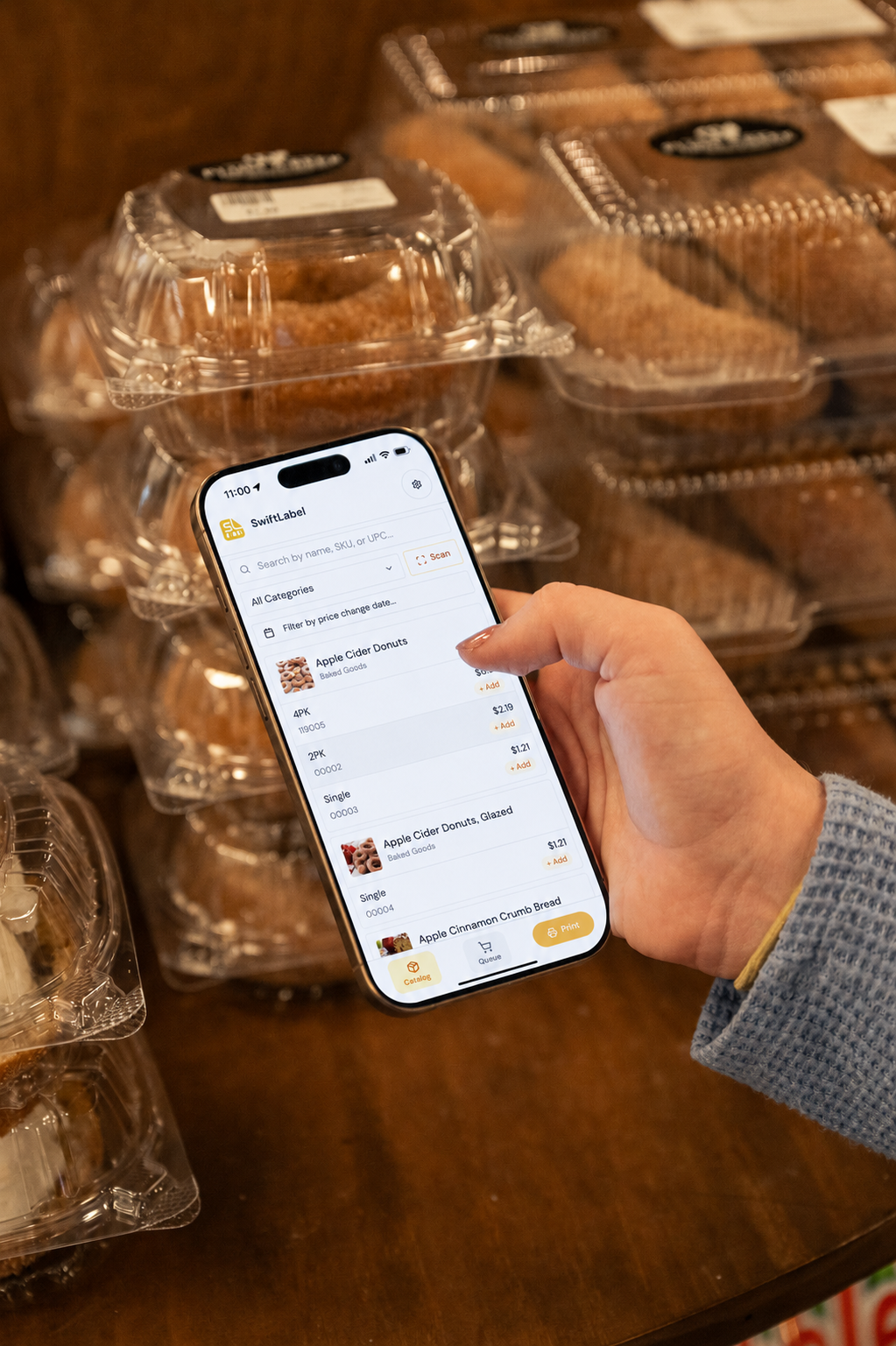
What gets in the way.
The parts of running a bakery that Square on its own leaves for you to solve.
Allergen risk
Ingredient lists are typed by hand and easily fall out of date when a recipe changes.
Batch math
Scaling a recipe up for a large order means redoing every quantity by hand, each time.
Date labels
Best-by dates get written on by hand, and on a busy morning some items go out without one.
True batch cost
Ingredient prices like flour and butter change with the market, but your product pricing was set on last year’s costs.
What MarketSquare adds to Square for bakeries.
One subscription, one catalog. Start with the piece that hurts most and add the rest when you need it.
Labeling
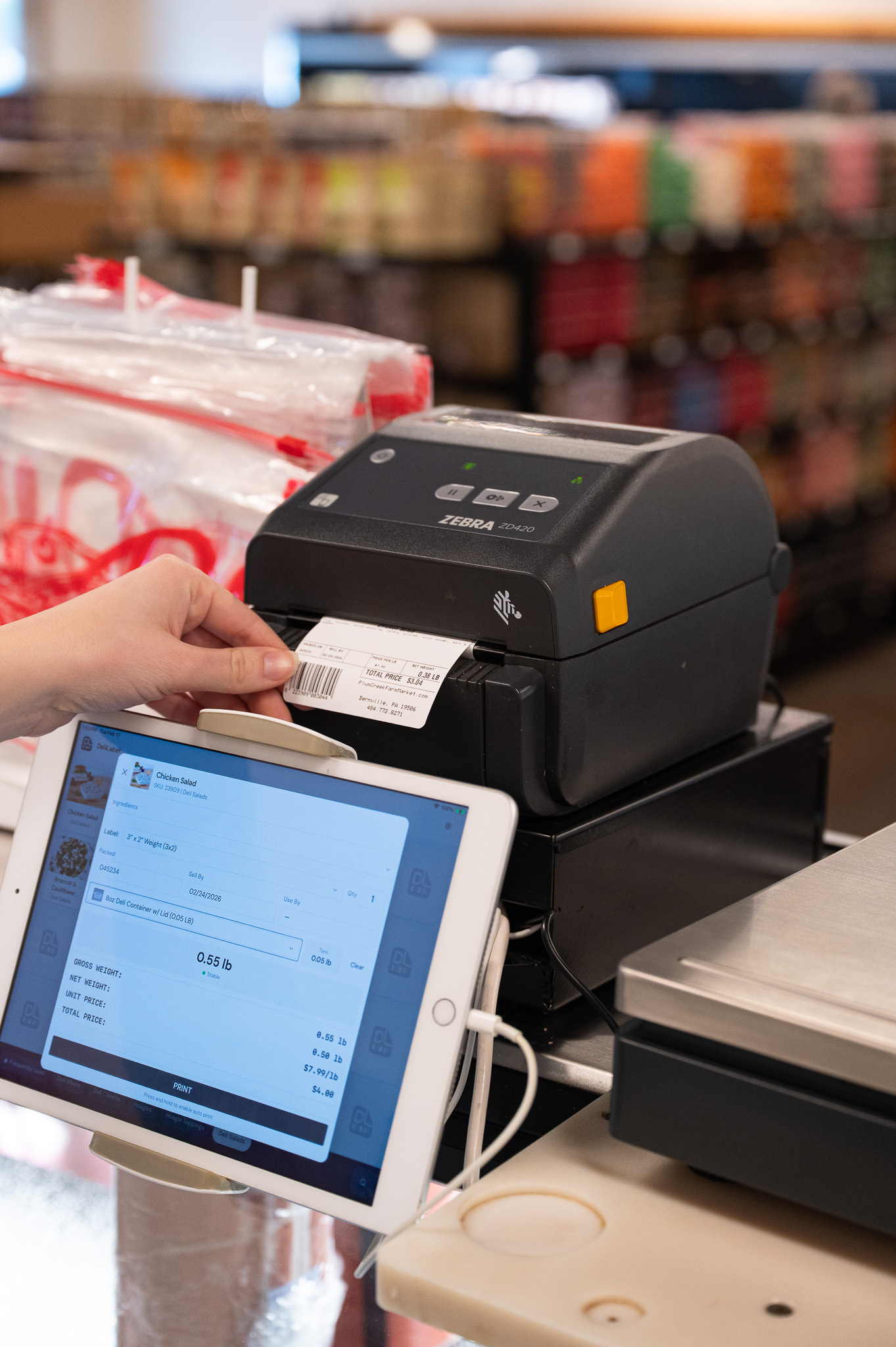
Ingredient statements, allergen text, and best-by dates on every prepared item, pulled from the recipe itself.

 via DeliLabel + SwiftLabel See bakery labeling ›
Recipes
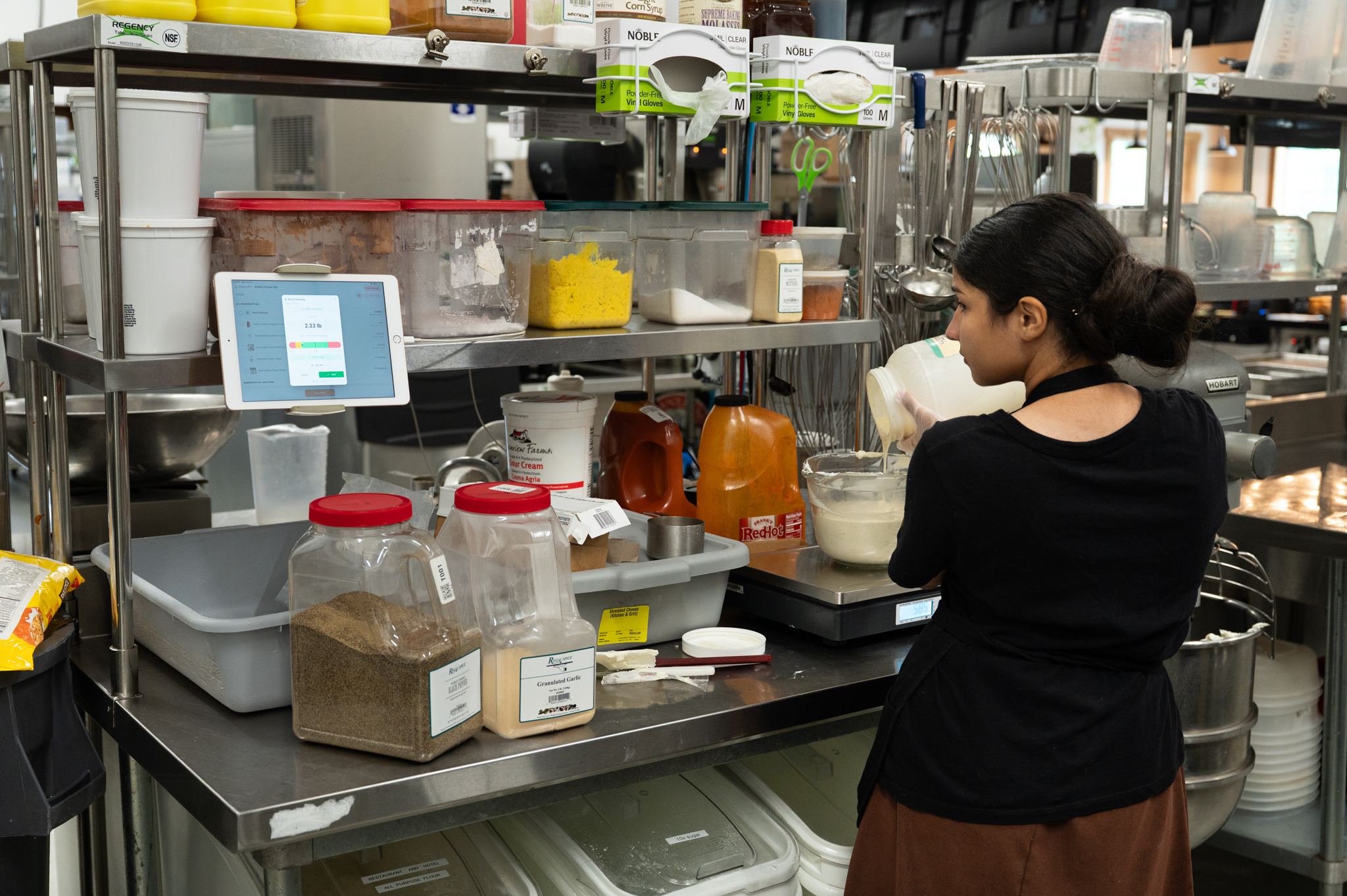
Scale a batch up or down and the quantities, yields, and costs come with it.
 via KitchenHand See how recipes works ›
Inventory
Ingredient stock that draws down as you bake, so the flour order is based on usage.
 via InTrac See how inventory works ›
Purchase Orders
Order ingredients, reconcile invoices, and see when commodity prices move against you.
via InTrac See how purchase orders works ›Every module works on its own, or get all four as the full suite with a complimentary onboarding call included.
Build your planBuilt in, no add-ons.
The capabilities a bakery leans on most, all part of the same subscription.
- Batch scaling
- Auto cost & yield calculations
- Labels come straight from recipes
- Dates and ingredients on labels
- Auto unit conversion
- Custom branding and logos
- Inventory moves with production
- Automated reordering
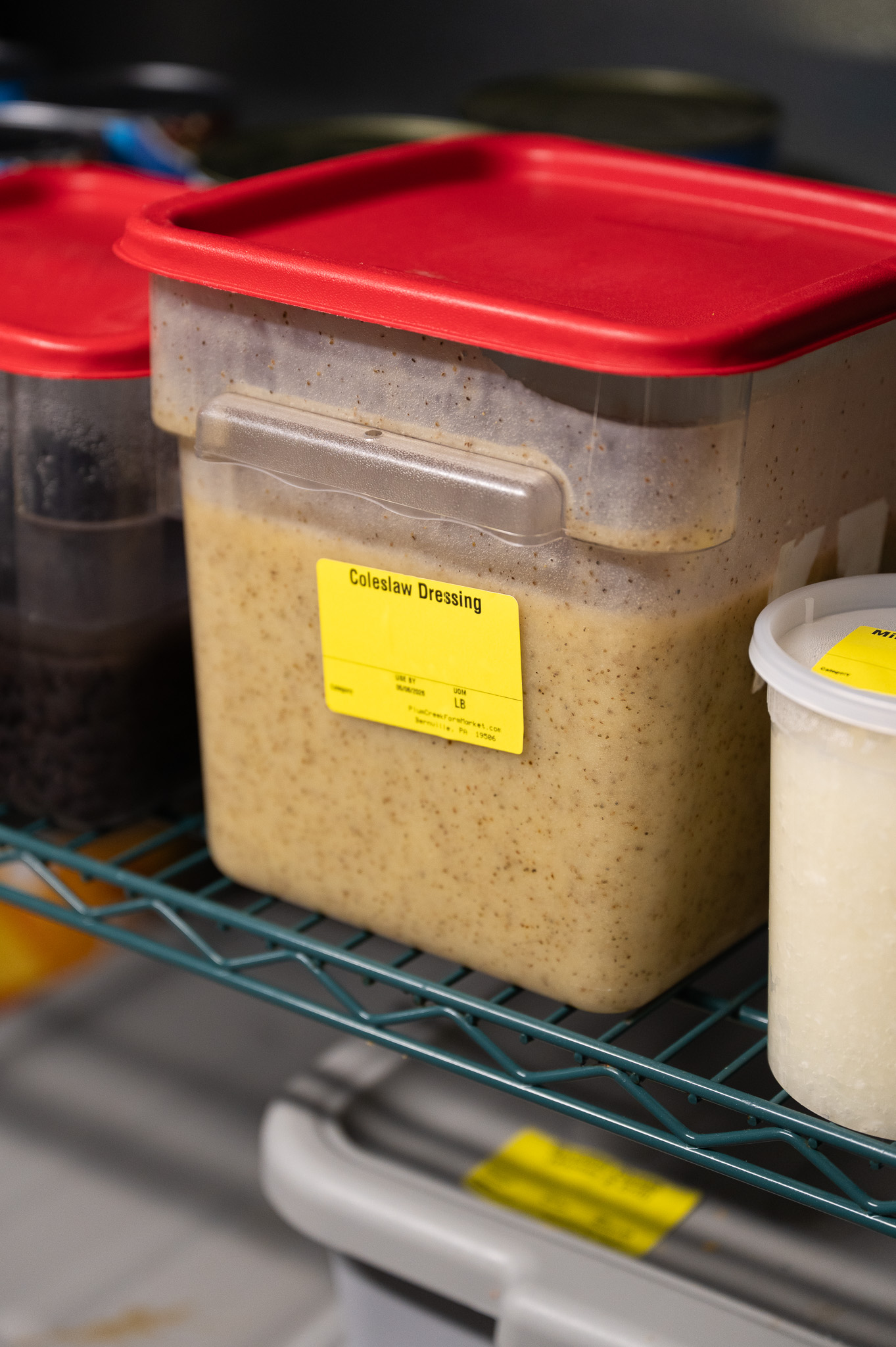
The label says what actually went in.
Because the ingredient statement is generated from the recipe, changing the recipe changes the label. No parallel document to keep in sync, and no packaged item going out with last version of the ingredients on it.

Double the batch without redoing the math.
A wholesale order comes in at three times your normal run. Scale the recipe and every quantity, yield, and cost scales with it, so you know what to pull, what it makes, and what it cost before you start creaming butter.
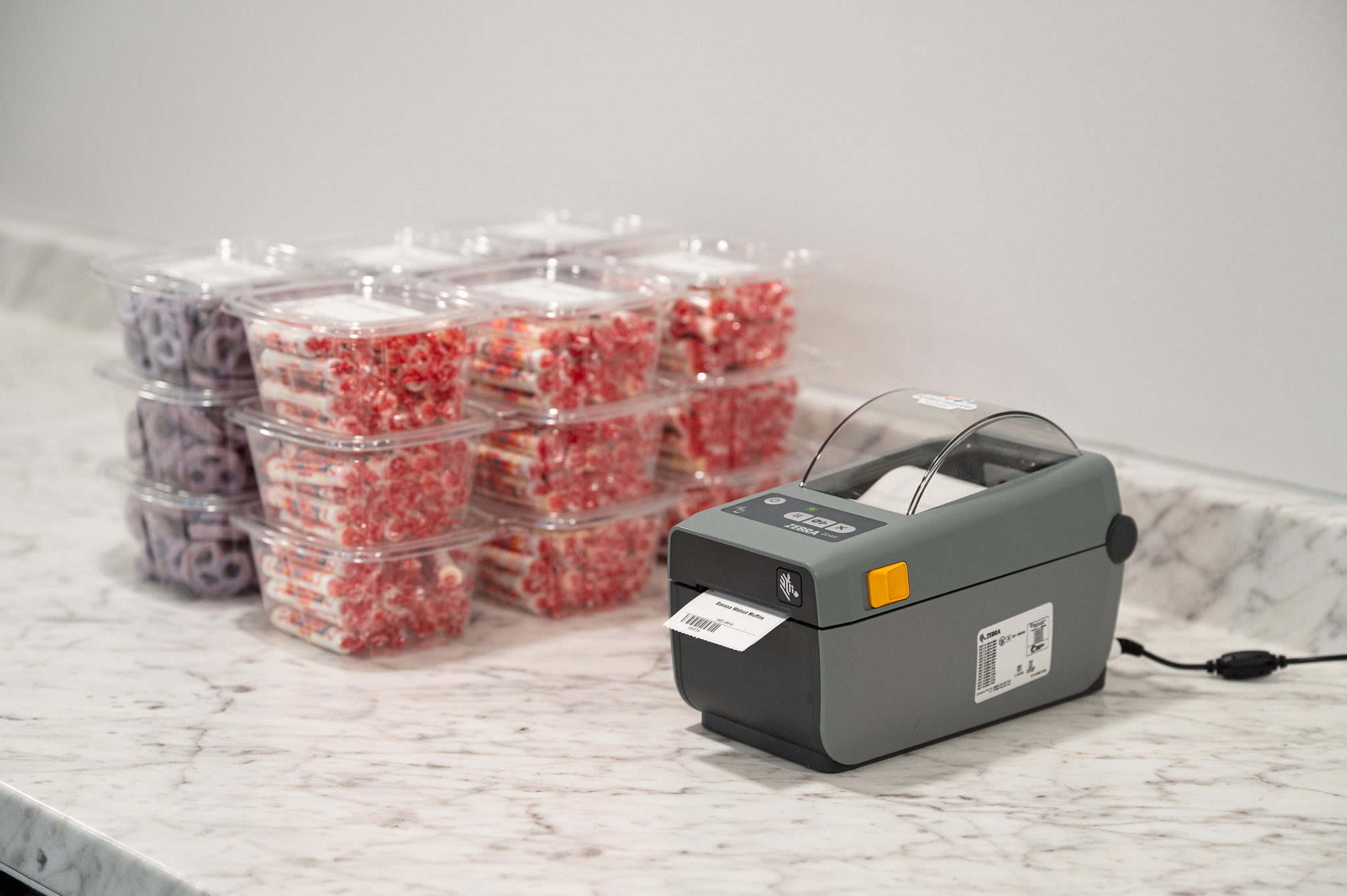
Two businesses, one catalog.
The case out front and the pallet going to a grocery account run off the same recipes and the same costs, labeled the way each one needs.
Getting started.
Connect the catalog you already keep, and build from there.
Connect Square
Bring your items across from the catalog.
Enter your recipes
With ingredients, yields, and the allergens they carry.
Set label formats
Ingredient statement, best-by dates, and your branding.
Bake and print
Labels come off the printer with the batch.
Need a printer or scale? Shop starter bundles or take the hardware quiz.
Questions bakery owners ask.
Short answers. For anything else, talk to us.
Can it print ingredient labels for packaged baked goods?
Yes. DeliLabel and SwiftLabel print labels with ingredient statements and best-by dates, and the ingredient list is generated from the recipe in KitchenHand, so changing the recipe changes the label.
Can I scale a recipe for a large order?
Yes. Batch scaling in KitchenHand scales quantities, yield, and cost together, with unit conversion handled, so a triple run is a number you can read before you start.
Does it know what a batch costs?
Yes. Recipes cost themselves from ingredient prices and recost as those prices move, so you can see when flour and butter have quietly moved your margin.
Can it handle both the retail case and wholesale accounts?
The same recipes and costs feed both. Label the case out front and the wholesale order the way each needs, from one catalog.
How much does MarketSquare cost for a bakery?
That depends on which modules you need. Every module is available on its own, or all four together as the full suite, which also includes a complimentary onboarding call. The pricing page has a plan builder that shows exactly what your setup would cost.
Is there a free trial?
Yes, on the latest version. Connect Square, enter your recipes, set your label format, and print with the first batch.
Our biggest thing: we didn’t keep up with price changes very well. This takes care of all of that. Employees don’t have to figure out profit margins or anything, because it all does it automatically.
Joe Ulmer · Owner KitchenHandSee what changed for shops like yours
Real stores, real setups, and the busywork that disappeared.
Read the case studies ›Not quite your shop?
MarketSquare runs in a few different kinds of business. Find the one that looks like yours.
Still not seeing it? Schedule a call and we will walk through your setup.
Put your bakery on one system.
Free trial on the latest version. Connect your Square catalog and print your first label in minutes.
Start Free Trial See pricing · Want to see it first? Talk to us.