
 DeliLabel
 SwiftLabel
 KitchenHand
 InTrac
 Markets & Grocery
 Delis & Butchers
 Restaurants
 Retail
 Hospitality
Labels for BakeriesBakery labels with ingredients and dates, printed from your recipes.
Build the recipe once and every label pulls its ingredient list from it, with best-by dates set by your own rules and your logo on every box.
Where bakery labels go wrong.
The label problems that cost bakeries the most time.
Ingredient lists typed by hand
Lists get retyped for every product and fall out of date the moment a recipe changes.
Dates written on boxes
Best-by dates depend on the morning rush, and some boxes go out without one.
Plain stickers on great product
A generic label on a bakery box undersells what is inside.
Recipe changes the label misses
Swap one ingredient and every printed label for that item is now wrong.

The label follows the recipe.
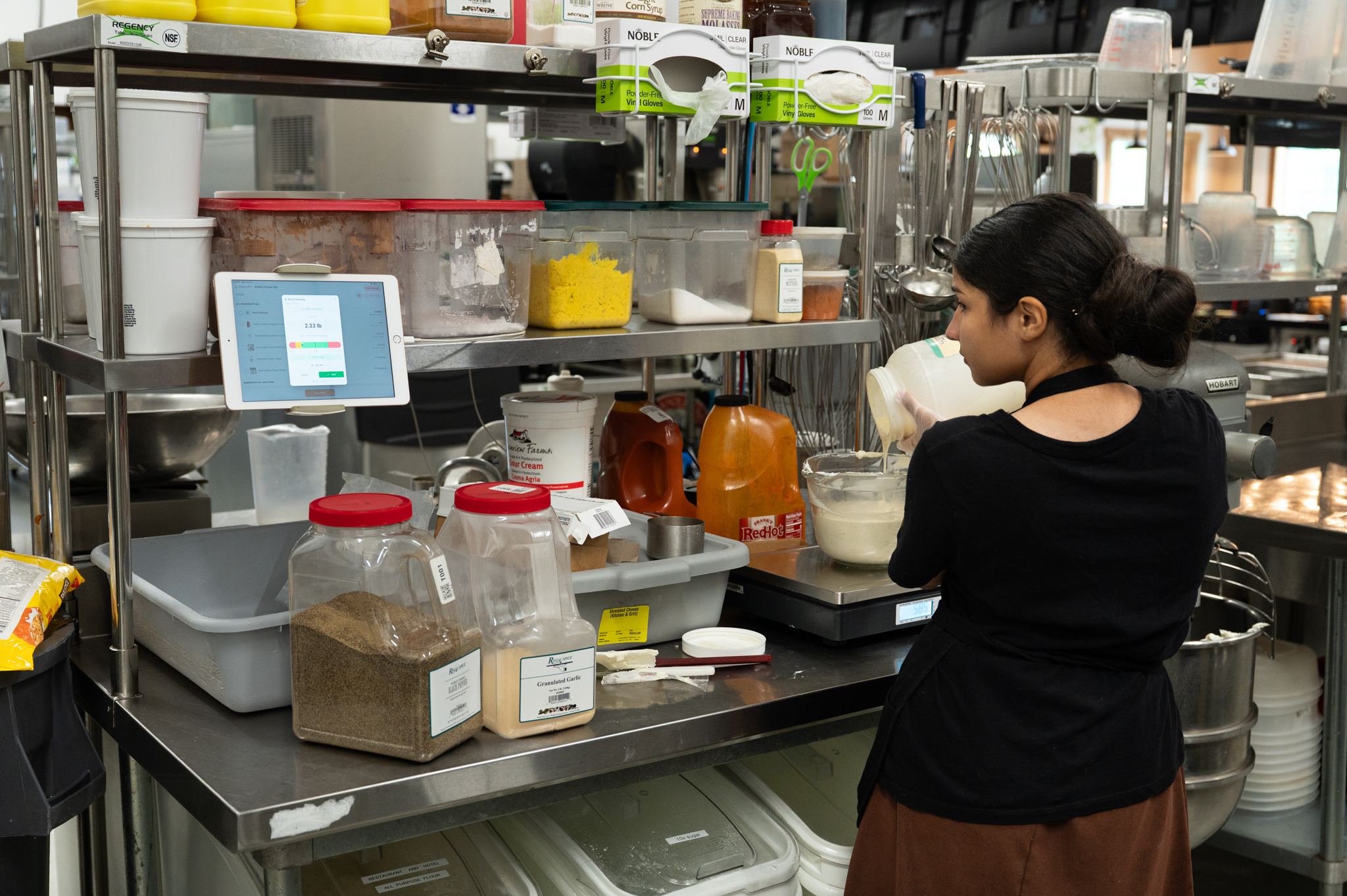
Recipes live in KitchenHand, and the label pulls its ingredient statement from the recipe itself. Change the recipe and the next label is already right, with no separate document to keep in sync.

Labels that look like your bakery.
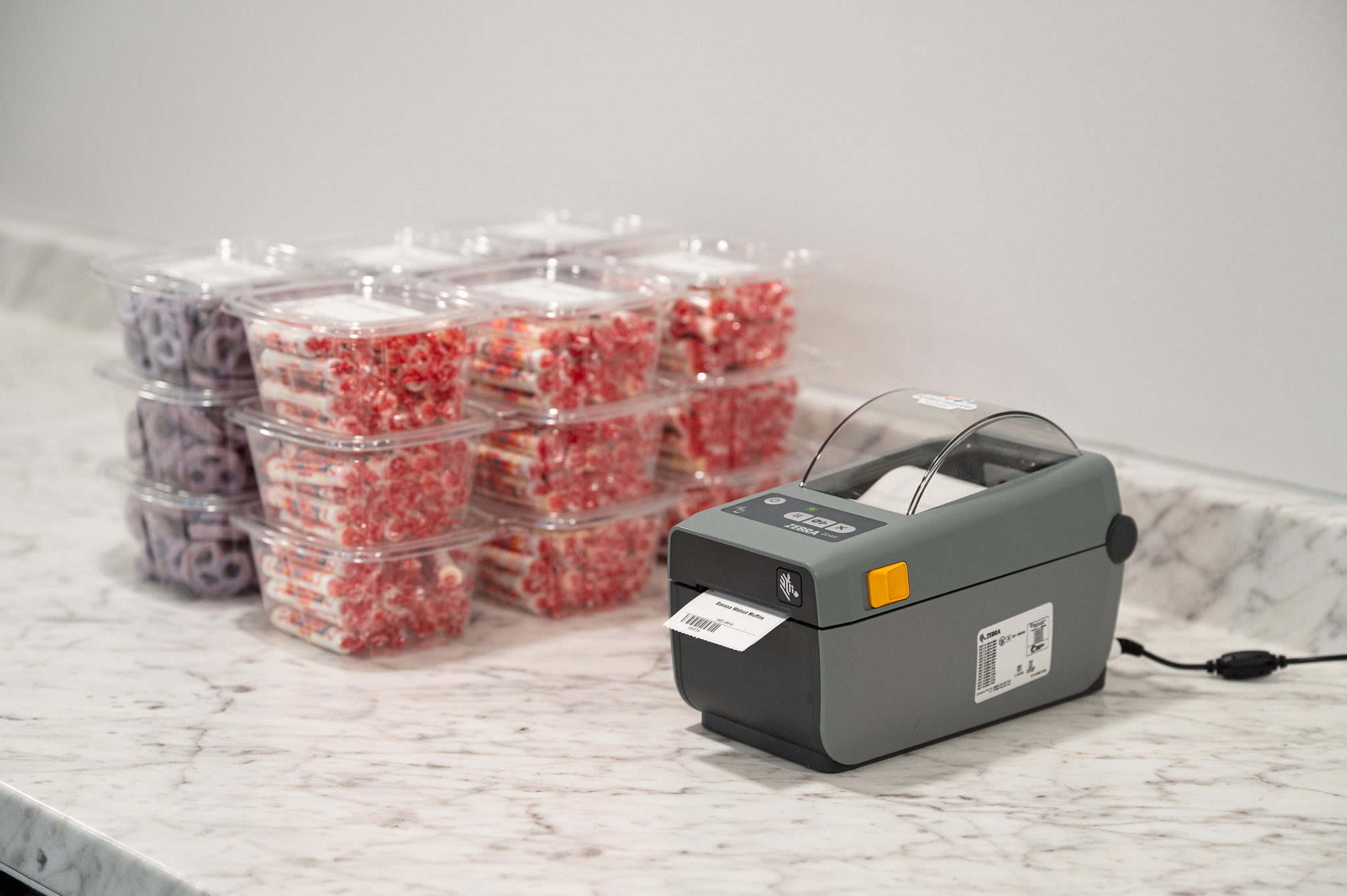
Set your logo and layout once, then print in batches with the first tray of the morning. Ovals for box seals, small squares for single items, and larger labels for ingredient-heavy products.
What needs to go on a bakery label?
Packaged baked goods commonly carry:
- Product name
- Ingredients, listed in order of weight
- Major food allergens
- Net weight or quantity
- Business name and address
- A best-by or baked-on date
Requirements depend on how and where you sell. Cottage food laws vary by state and some require specific wording, so check your state’s rules for the products you sell.
Which printer fits your bakery?
Two setups cover almost every bakery. Pick by the size of label you need most.
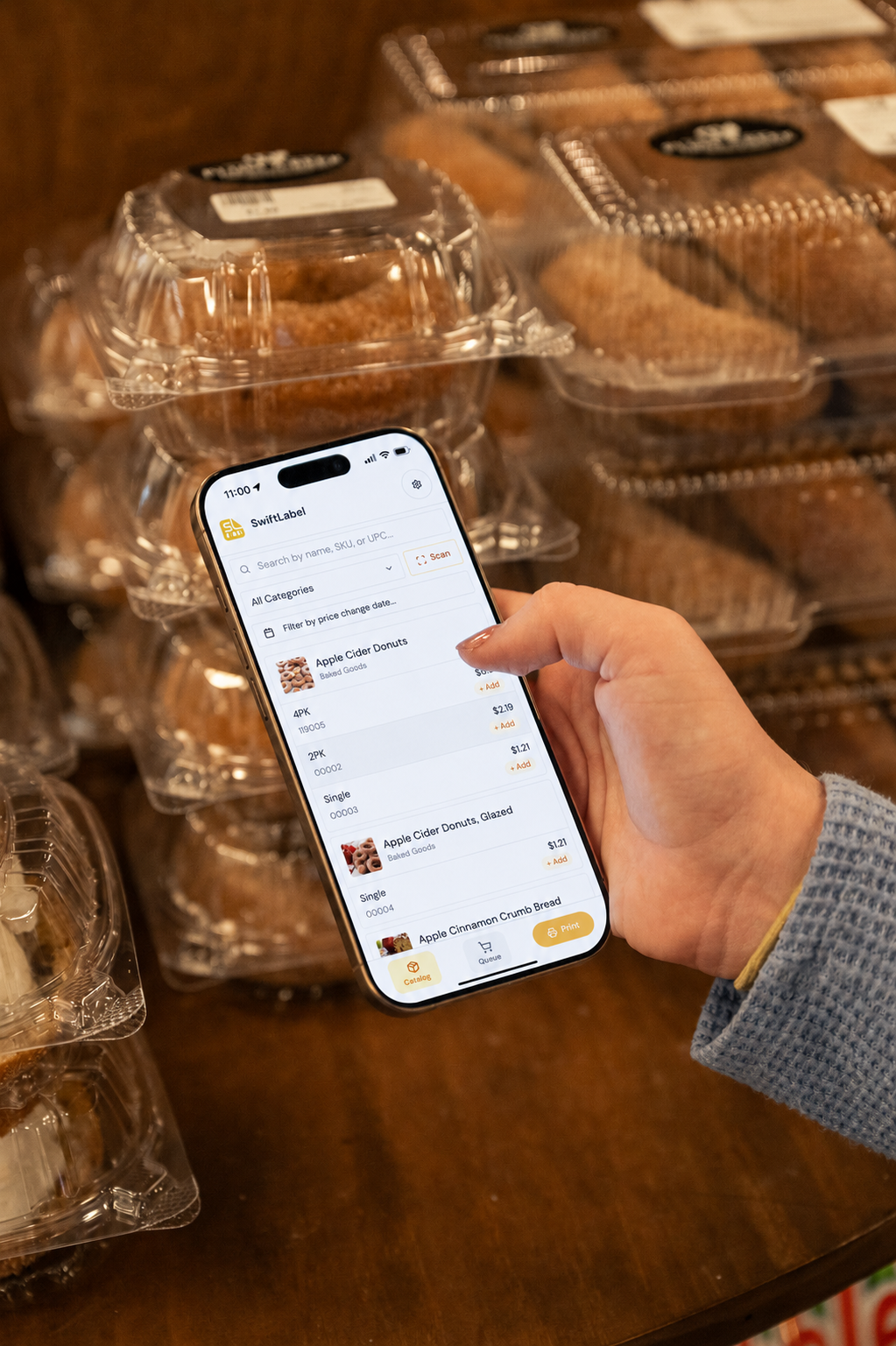
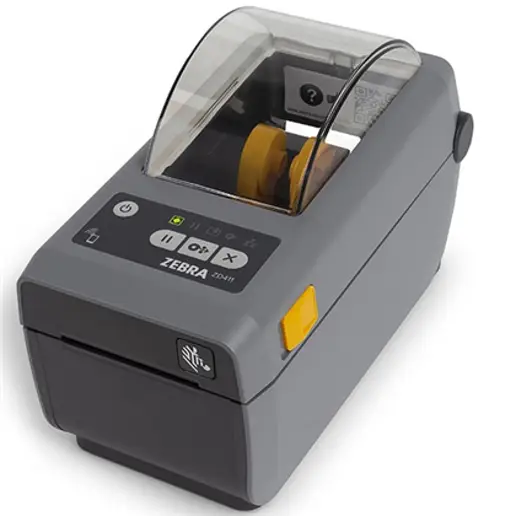
Smaller labels: SwiftLabel
- Zebra ZD411, labels up to 2.2 inches wide
- Box seals, single items, and price labels
- The lower-cost starting point
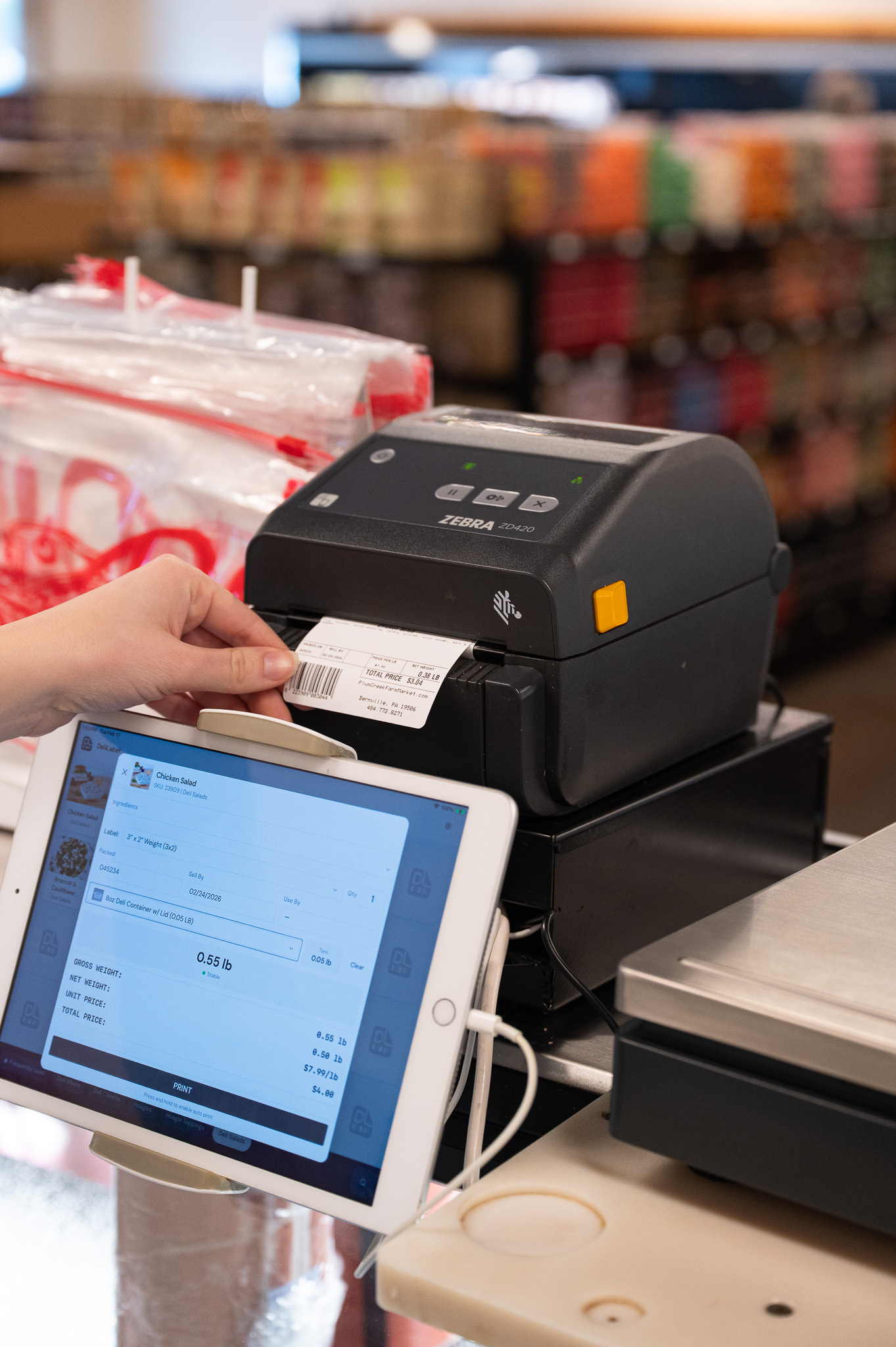
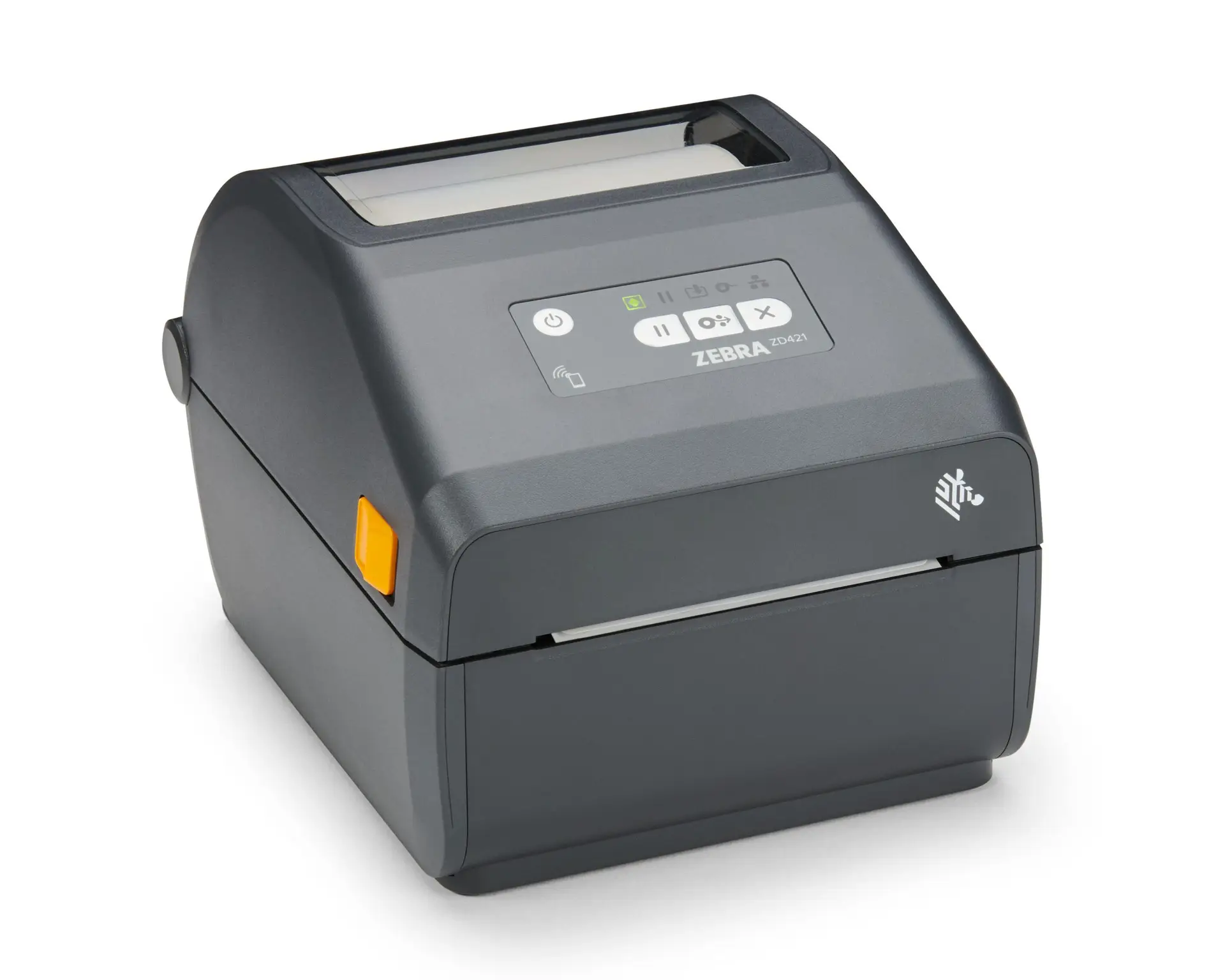
Larger labels or sold by weight: DeliLabel
- Zebra ZD421, labels up to 4.25 inches wide
- Room for longer ingredient statements
- Adds a scale for items sold by weight
Get set up: printer and labels.
Start with the SwiftLabel bundle for smaller labels, or step up to DeliLabel for larger ingredient labels.
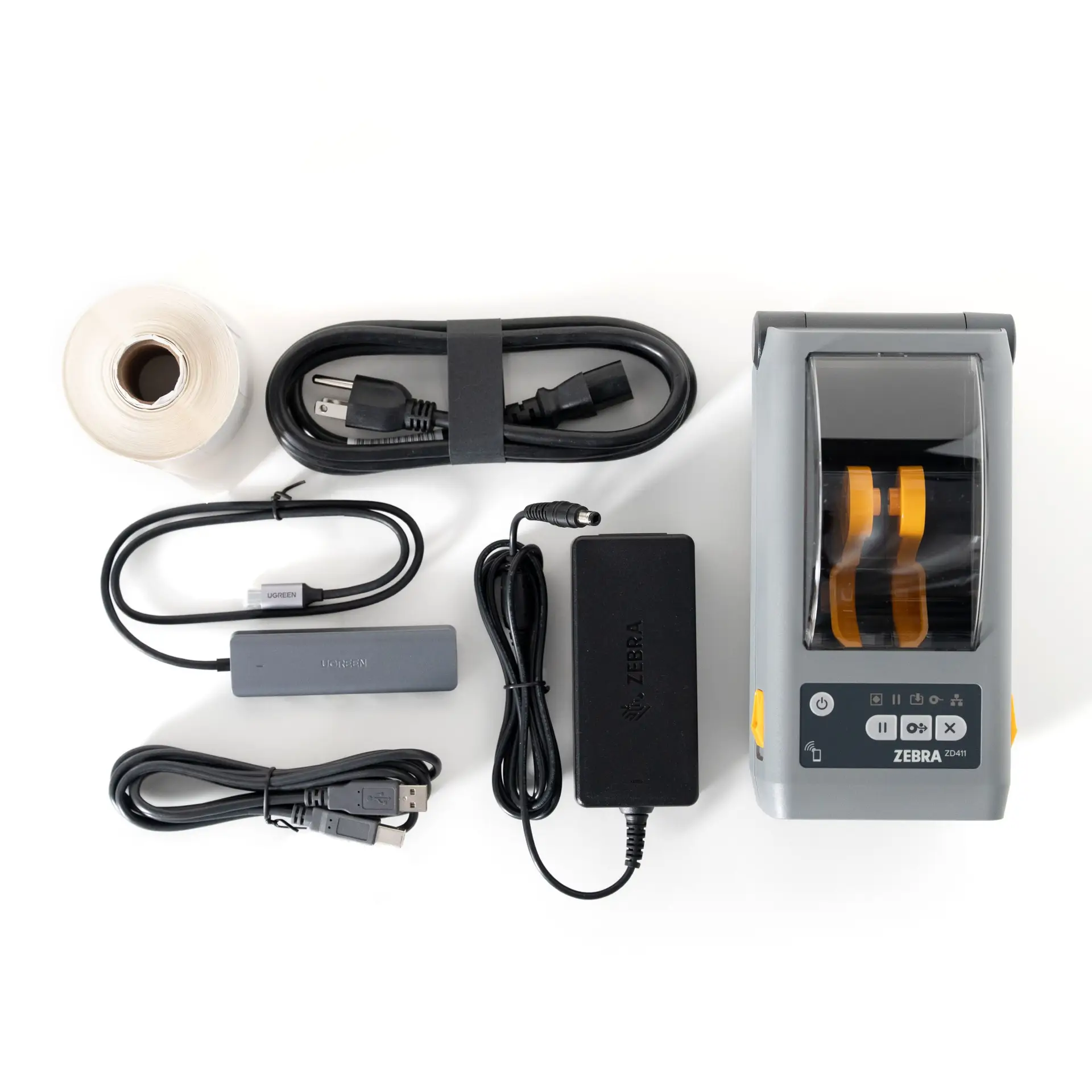
SwiftLabel COMPLETE Starter Bundle
- Zebra ZD411 label printer and accessories
- MarketSquare USB hub
- A roll of 2″ x 1″ labels to get started
Need larger ingredient labels or a scale? See the DeliLabel Starter Bundle. Labeling and recipes are subscriptions; see pricing.
Not sure what you need?
Answer a few questions about how you sell and we’ll match the right printer, scale, and labels to your setup.
Take the hardware quiz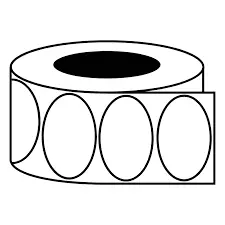
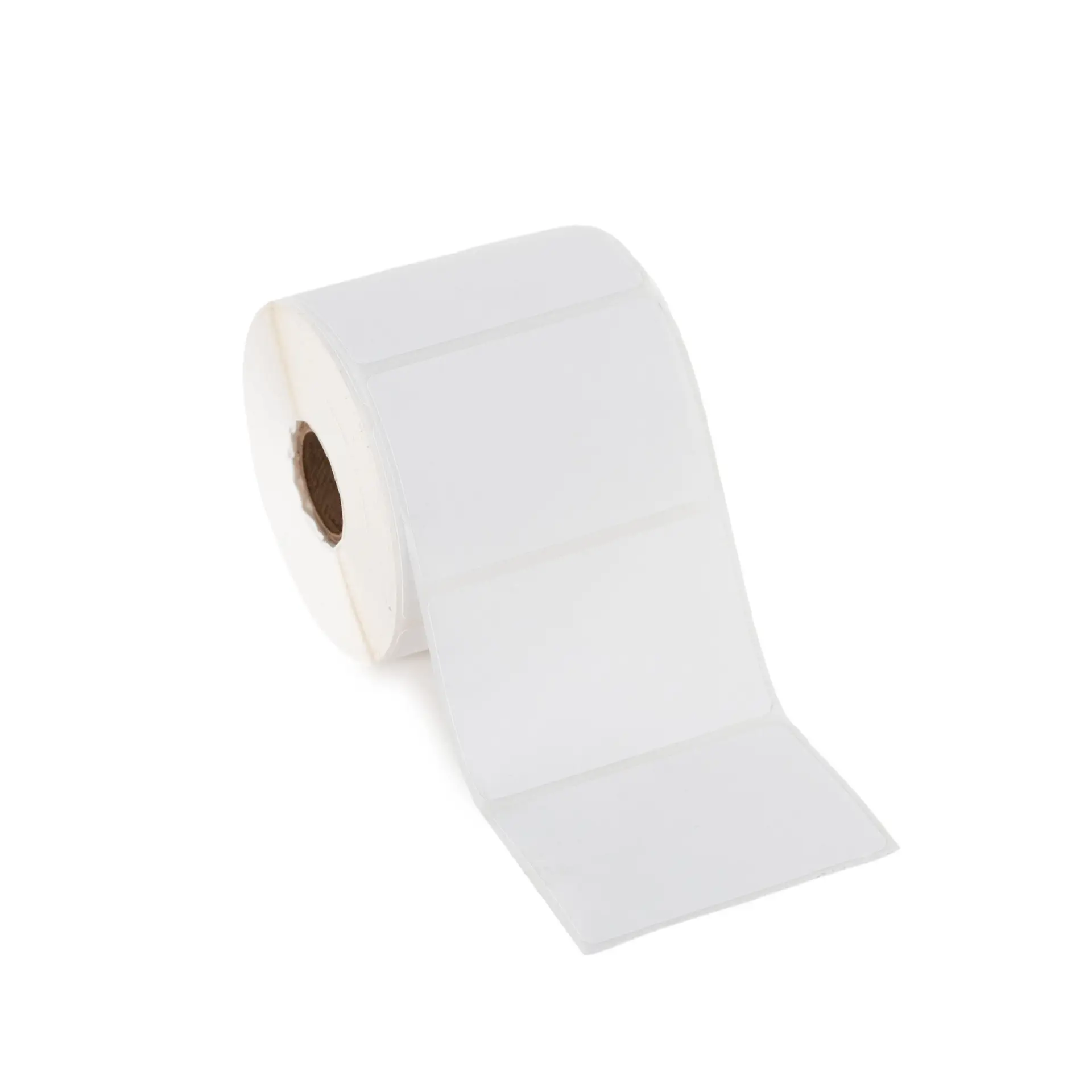
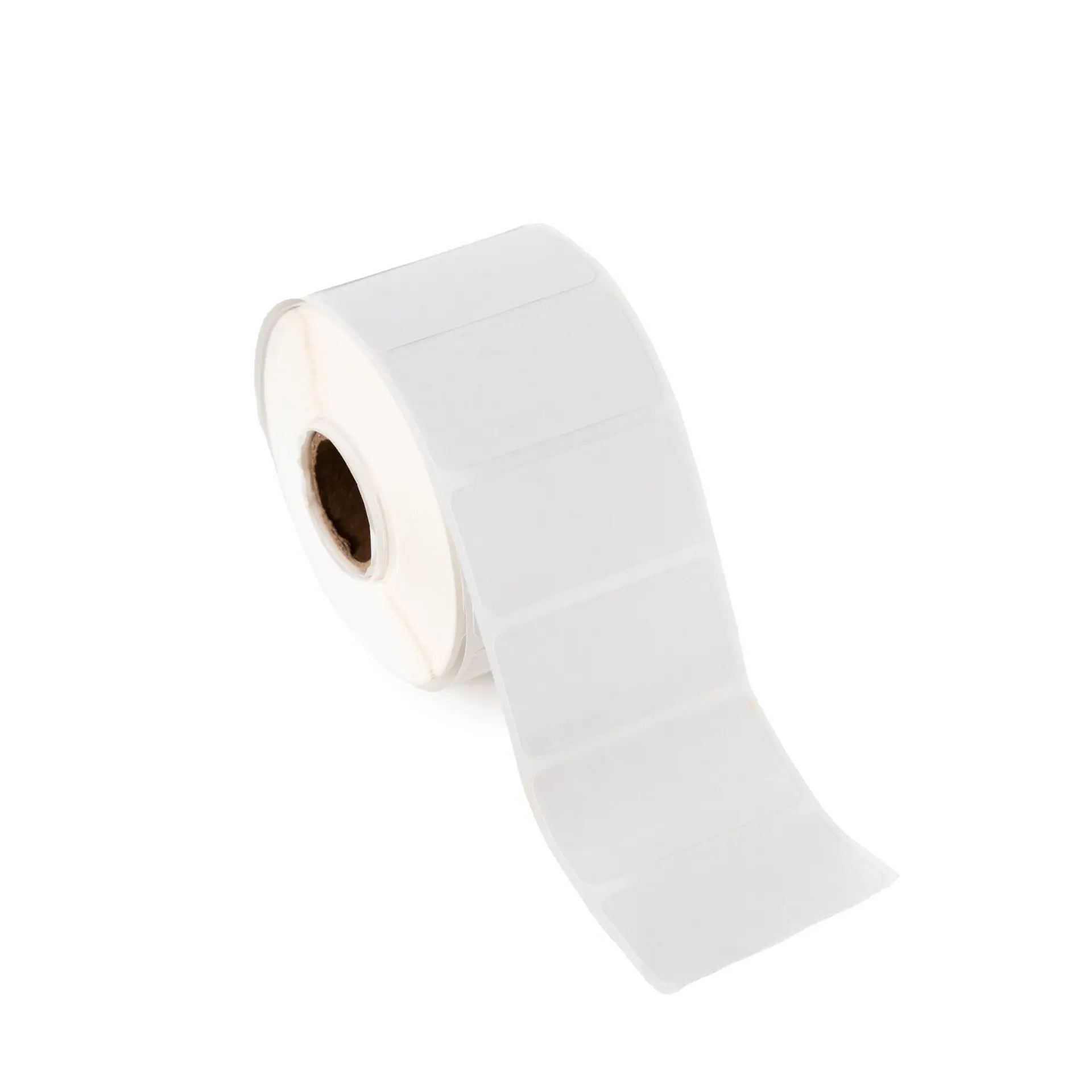
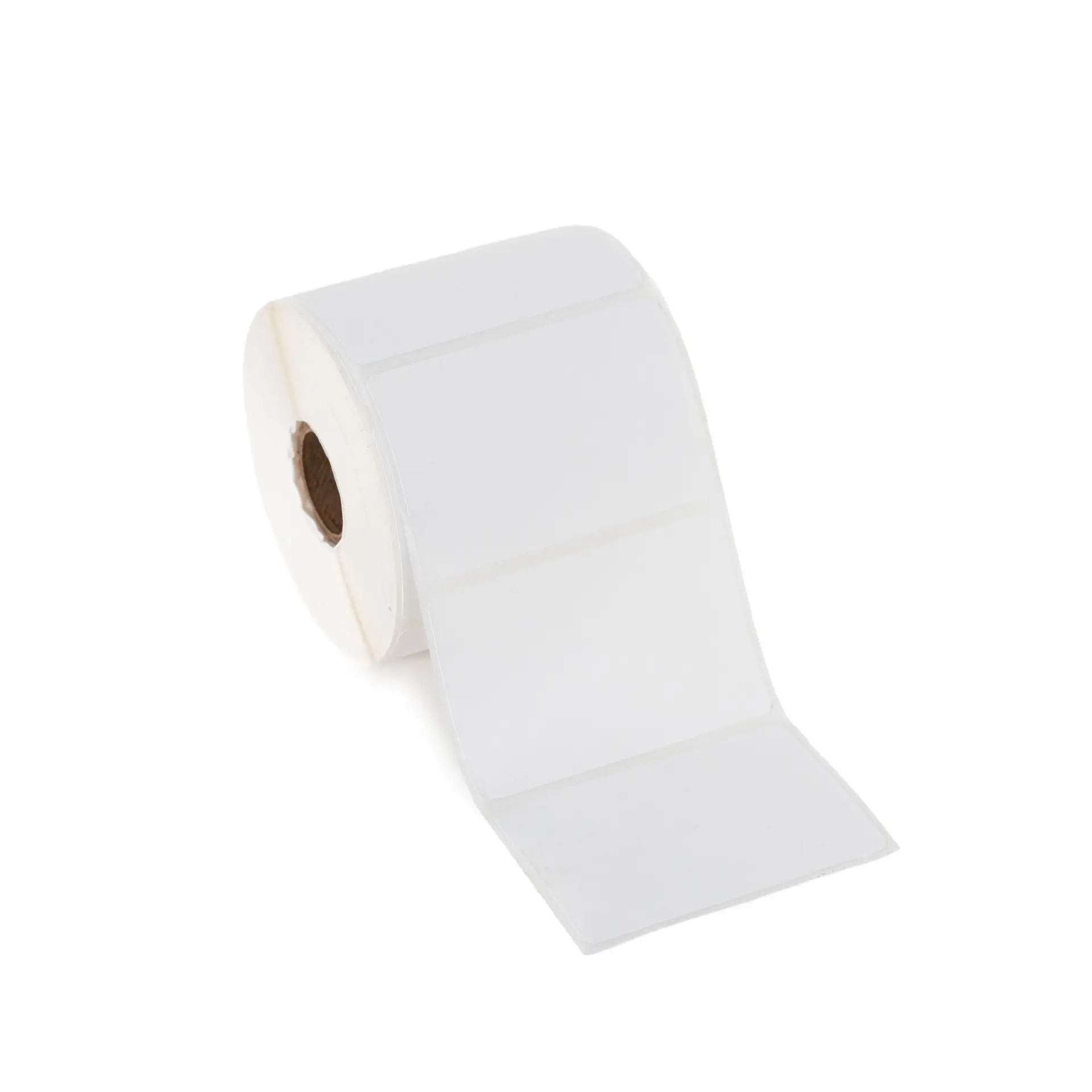
Oval and 2″ x 1″ labels fit the ZD411. The 3-inch labels need the ZD421.
Getting started.
Connect the catalog you already keep, and build from there.
Connect Square
Bring your items across from the catalog.
Enter your recipes
Ingredients and yields, once per product.
Set label formats
Ingredient statement, dates, and your branding.
Bake and print
Labels come off the printer with the batch.
Common questions.
Short answers. For anything else, talk to us.
What needs to be on a bakery label?
Packaged baked goods commonly list the product name, ingredients in order of weight, major food allergens, net weight or quantity, your business name and address, and a date. Requirements depend on how and where you sell, and cottage food laws vary by state, so check your state rules.
Can I put my logo on bakery labels?
Yes. You set your logo and label layout once, and every label prints with your branding.
How do I keep ingredient lists up to date?
Build the recipe in KitchenHand and the label pulls its ingredient statement from it. When the recipe changes, the next label prints with the updated list.
What size labels work for bakery boxes?
Small ovals work well as box seals, 1 x 1 and 2 x 1 inch labels suit single items, and 3 x 2 or 3 x 3 inch labels leave room for longer ingredient statements.
Do cottage bakeries need labels?
Most states require labels on cottage foods, often with specific wording. The rules vary by state, so check your state’s cottage food law for exactly what yours must say.
Which printer should a bakery start with?
If you mostly need smaller labels, start with the SwiftLabel bundle and the Zebra ZD411. If you need larger ingredient labels or sell items by weight, the DeliLabel setup with the Zebra ZD421 is the better fit. The hardware quiz can confirm.
Keep exploring
Related industries, solutions, and the modules behind them.
 KitchenHand
 Labeling
Label every tray the way it deserves.
Free trial on the latest version. Connect Square, add a recipe, and print your first ingredient label in minutes.
Start Free Trial See pricing · Want to see it first? Talk to us.