
 DeliLabel
 SwiftLabel
 KitchenHand
 InTrac
 Delis & Butchers
 Restaurants
 Bakeries
 Retail
 Hospitality
InTrac for GroceryInventory management for grocery stores that run on Square.
InTrac keeps counts moving with every Square sale across every department, so you order from what actually left the shelf, not from a guess.
Where grocery inventory breaks.
The gaps that show up as soon as a store outgrows a basic stock count.
Counts that drift from the shelf
Breakage, spoilage, and receiving mistakes never make it into the number in the system.
Cases in, eaches out
You buy a case of 24 and sell single units, and the math happens in someone’s head.
Reordering from memory
Low-stock alerts flag a problem after the fact. They are not a reorder plan.
Departments that do not talk
Grocery, deli, and prepared foods each keep their own numbers, if they keep them at all.
Counts that follow every sale.
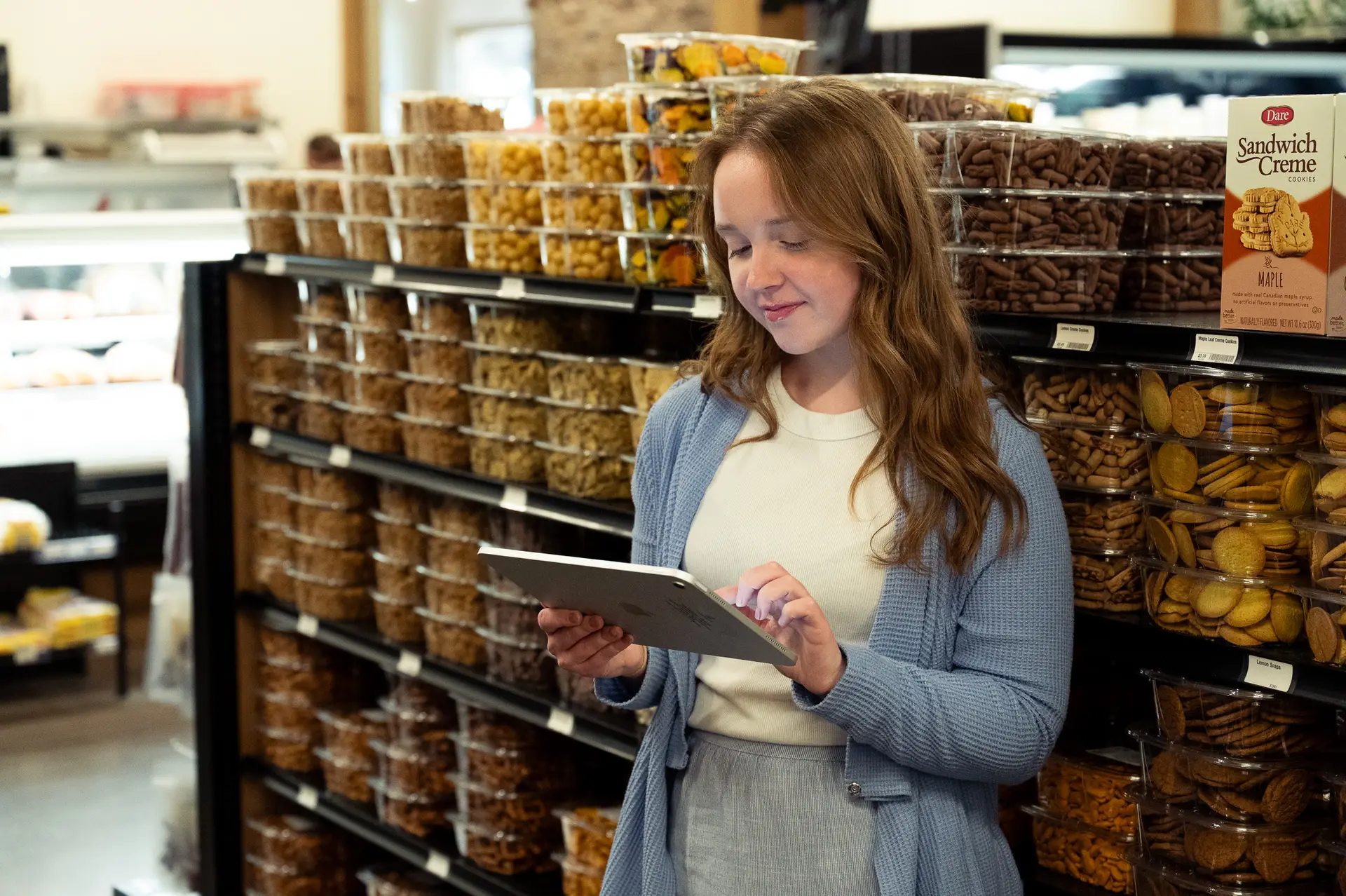
InTrac draws stock down as items sell through Square, across grocery, deli, and prepared foods. Real-time stock monitoring shows what is actually on hand, and demand forecasting uses your own sales to show what you are about to run out of.

Receive the truck against the order.
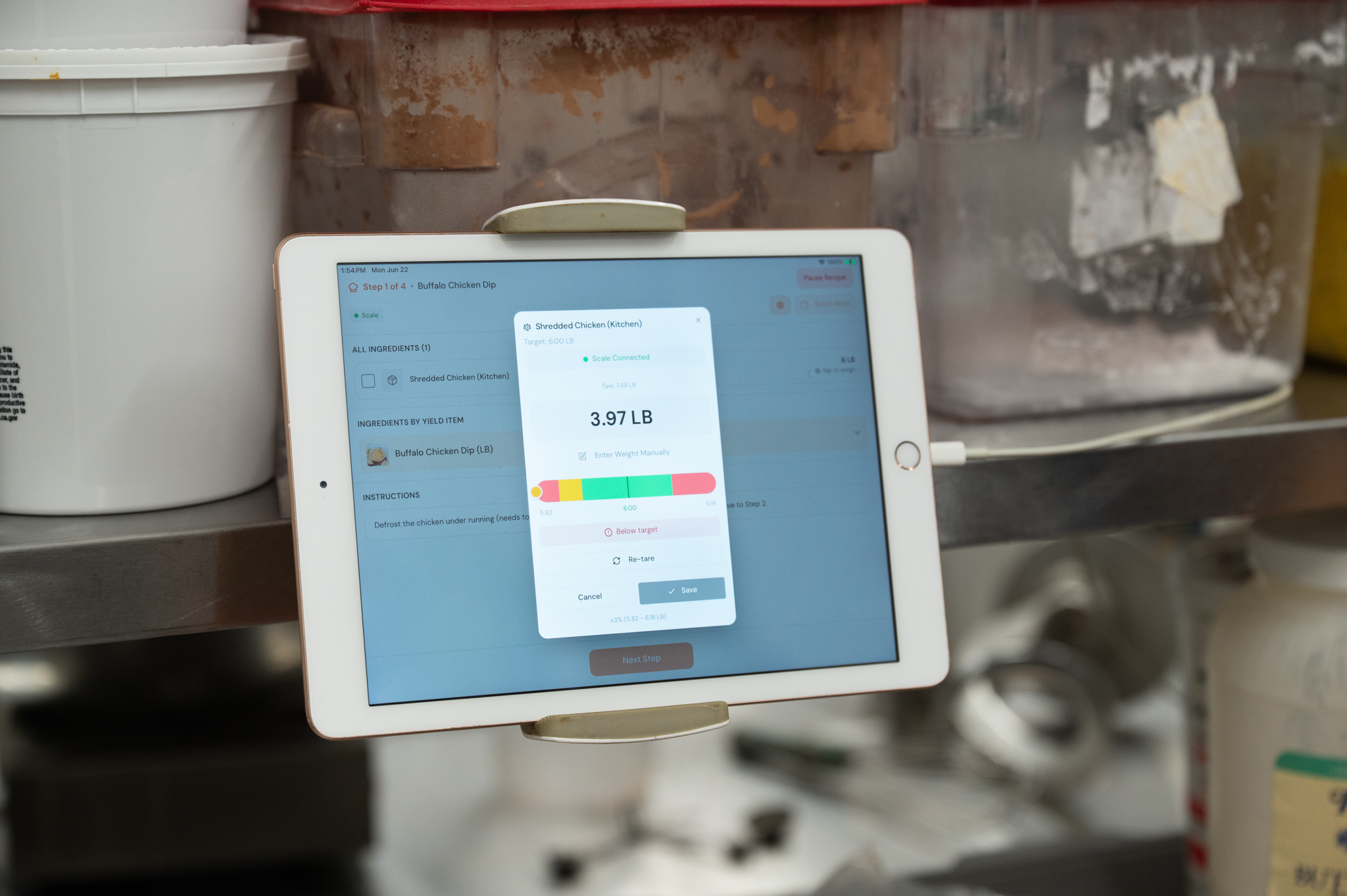
Build purchase orders from what you actually sell, receive deliveries against them, and reconcile the invoice when it arrives. Vendor units convert to shelf units, so a case received becomes the right number of eaches on hand.
How do grocery stores keep track of inventory?
Most grocery stores combine three things:
- A perpetual count that changes with every sale at the register
- Receiving that adds deliveries against a purchase order
- Regular physical counts that correct for shrink, spoilage, and errors
Many grocers cycle-count perishables and fast movers often and do full counts less frequently. What matters is that counts happen often enough to catch shrink early. Square tracks basic counts by item; InTrac adds the purchasing, unit conversion, and multi-location layer on top.
Can Square handle grocery inventory on its own?
Square is a great point of sale, and its built-in inventory covers the basics. Here is where grocers usually feel the limit.
Square built-in inventory
- Counts by item that change as you sell
- Low-stock alerts
- A single cost per item
- Works well for a smaller, simpler catalog
Square plus InTrac
- Purchase orders, receiving, and invoice reconciliation
- Vendor units converted to shelf units
- Stock across every location in one view
- Automated reordering and demand forecasting
Printing for the shelf and the deli counter.
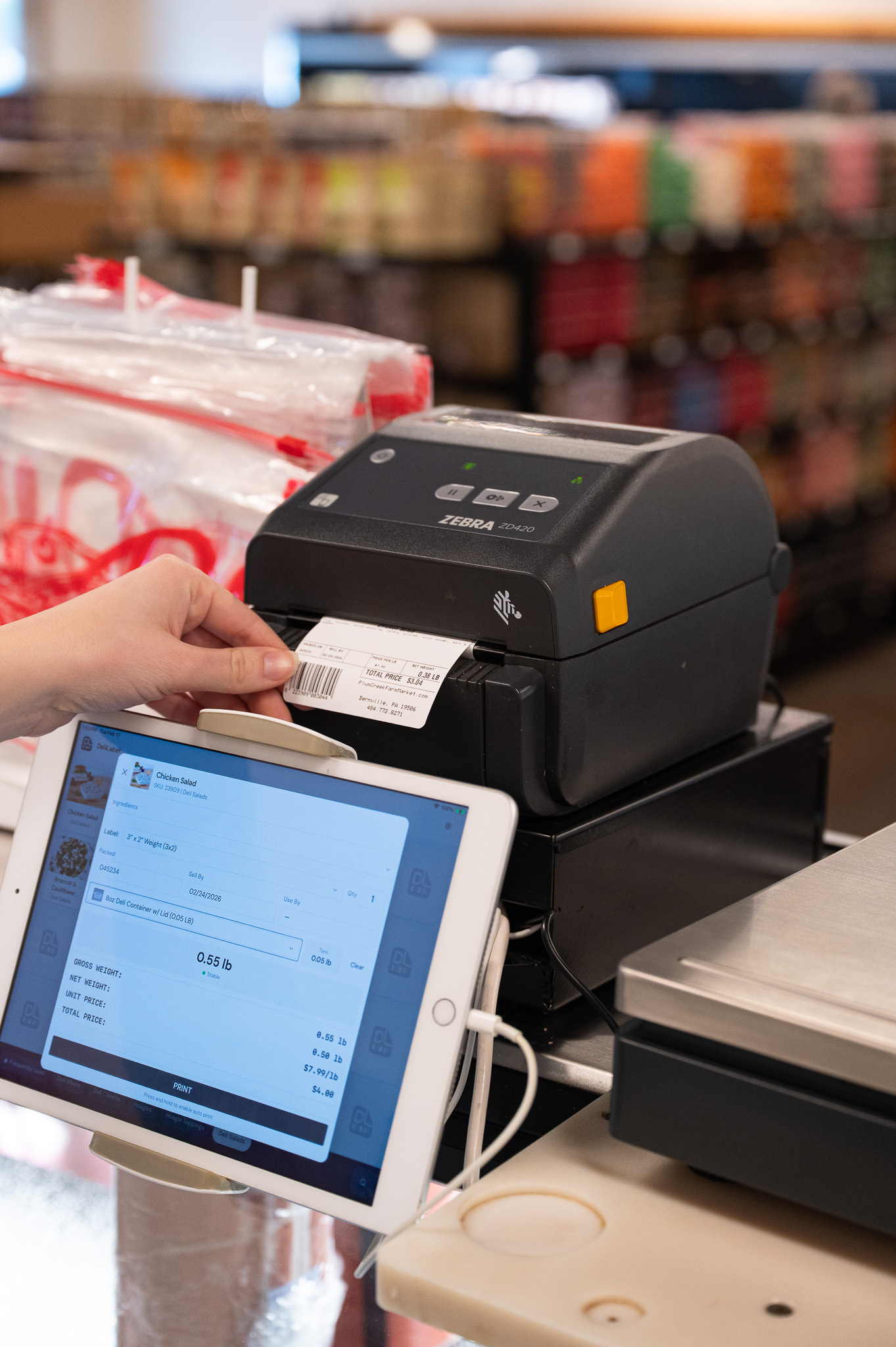
InTrac works with the Square setup you already run. Most grocers pair it with printing for shelf tags and deli labels.
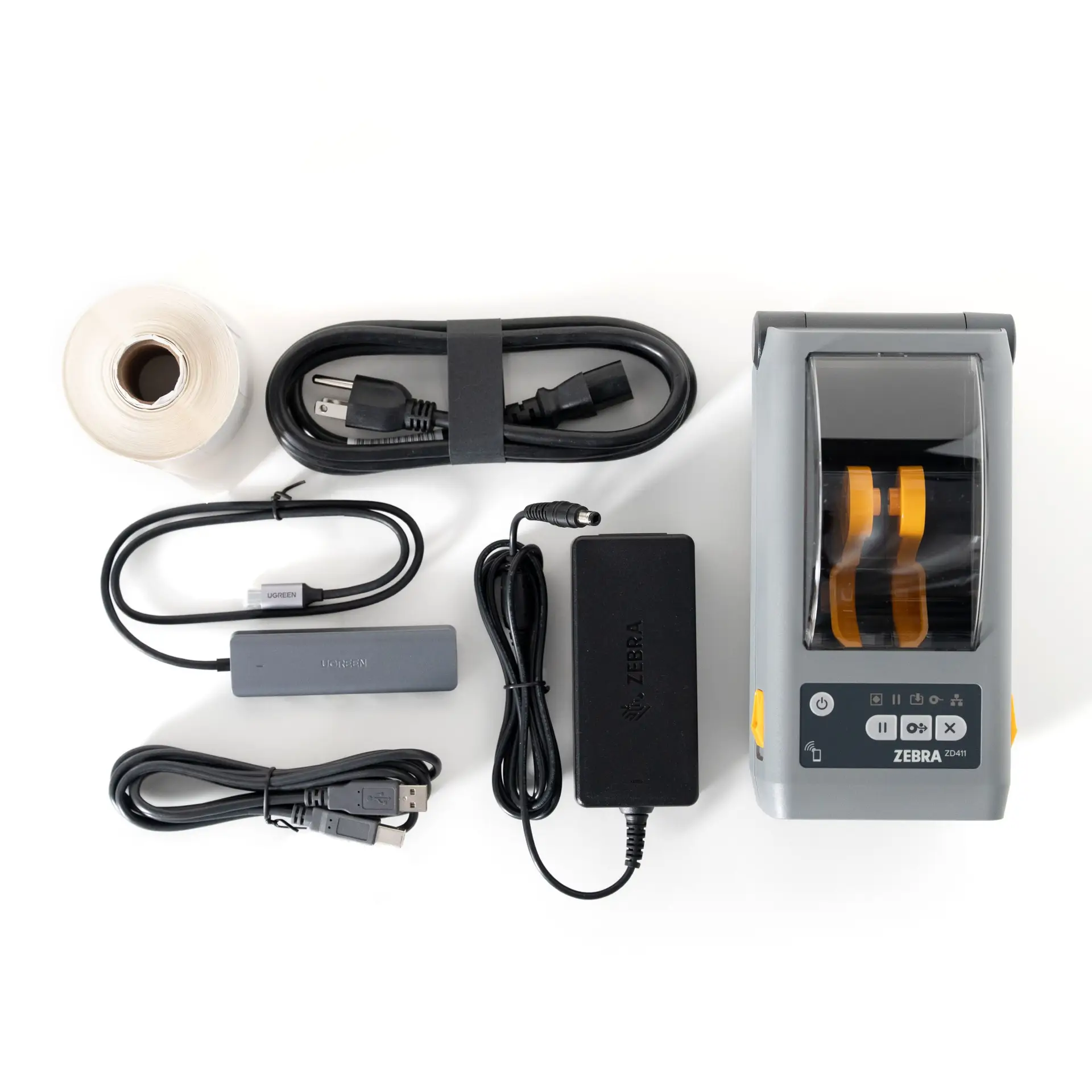
SwiftLabel Starter Bundle for shelf tags
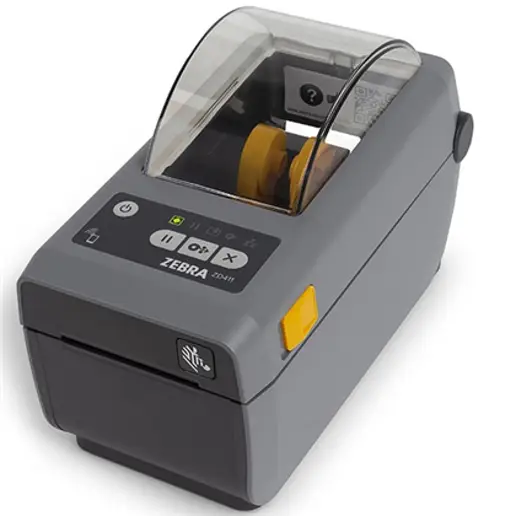
- Zebra ZD411 label printer and accessories
- MarketSquare USB hub
- A roll of 2″ x 1″ labels to get started
For a deli counter, the DeliLabel Starter Bundle adds a scale. InTrac is a subscription; see pricing.
Not sure what you need?
Answer a few questions about how you sell and we’ll match the right printer, scale, and labels to your setup.
Take the hardware quiz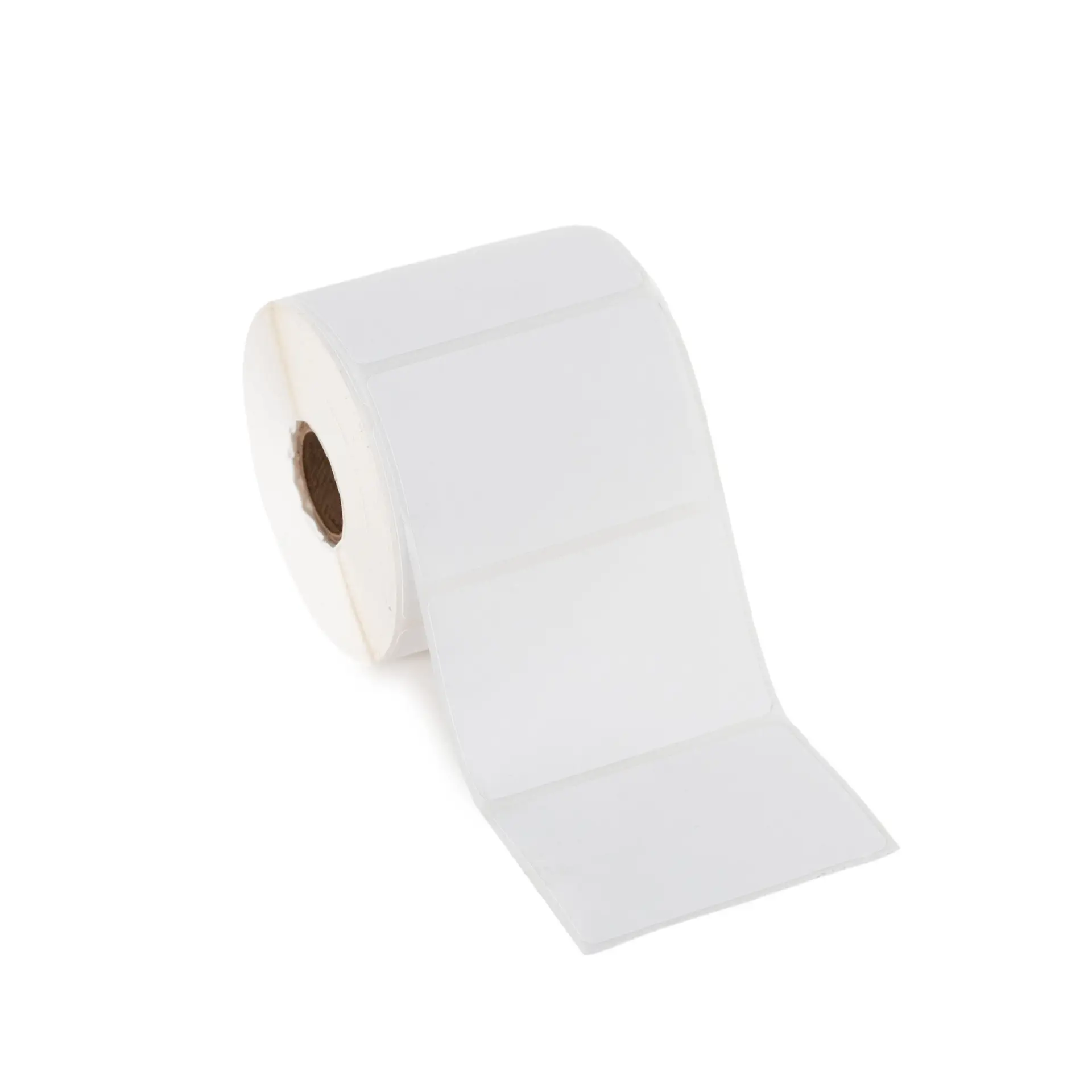
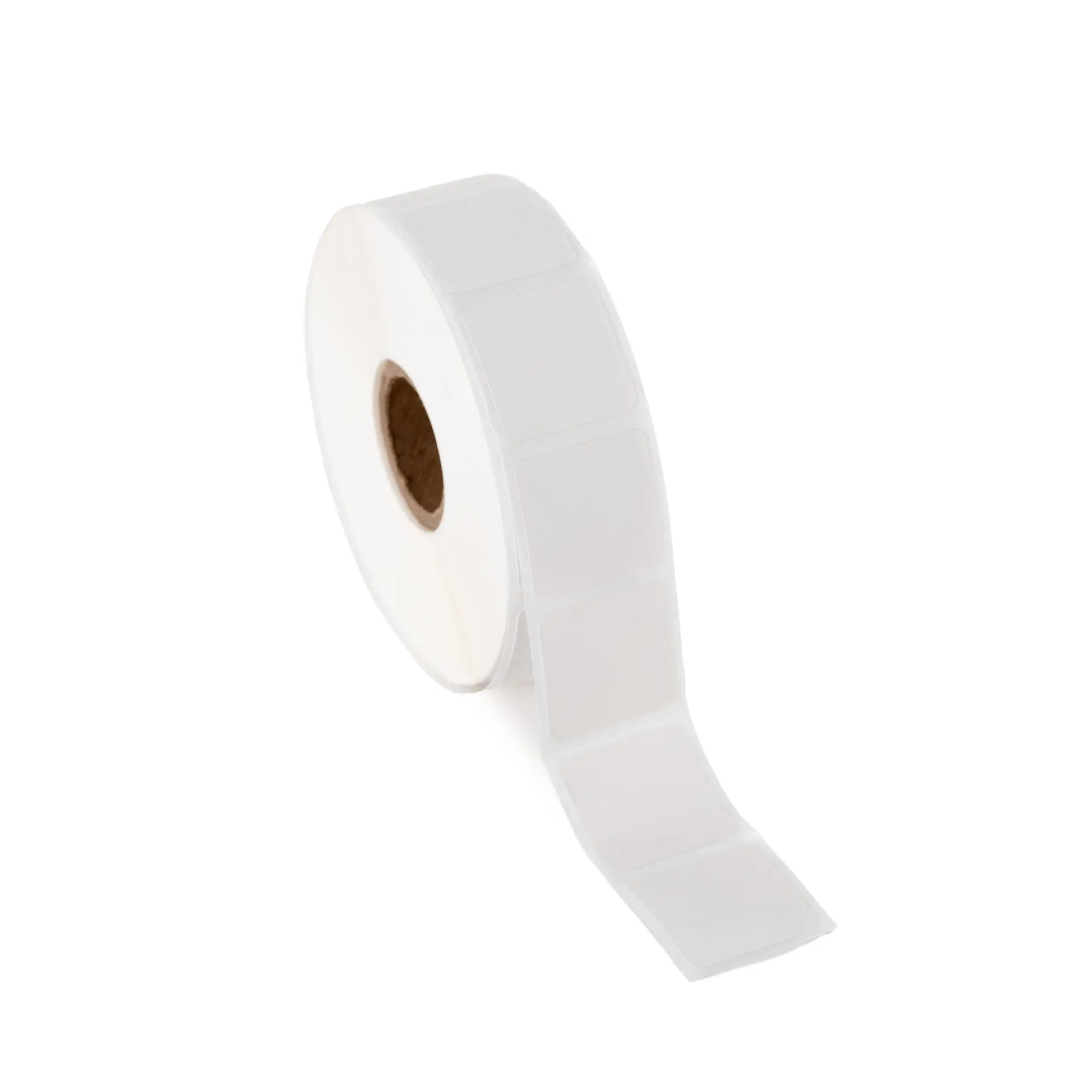
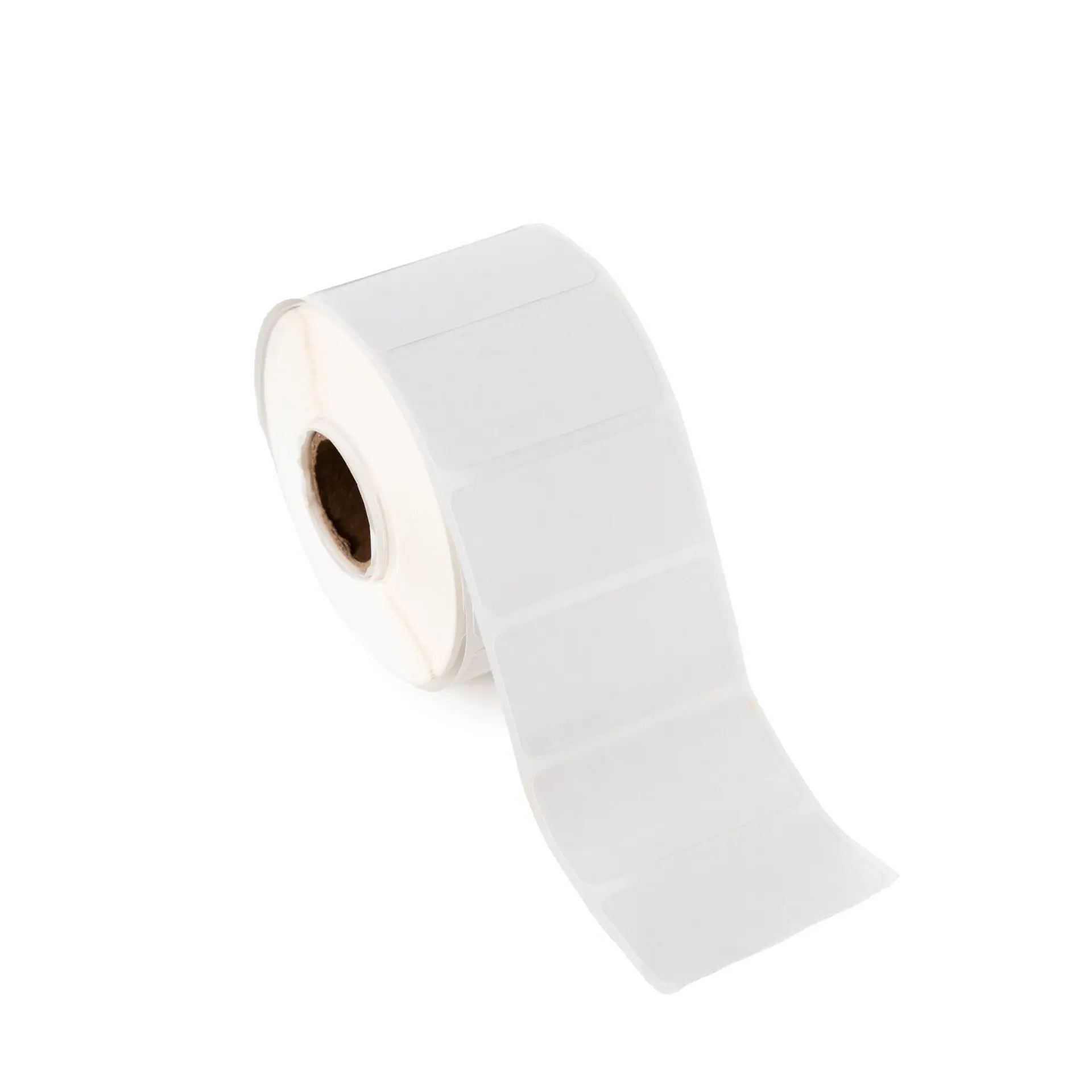
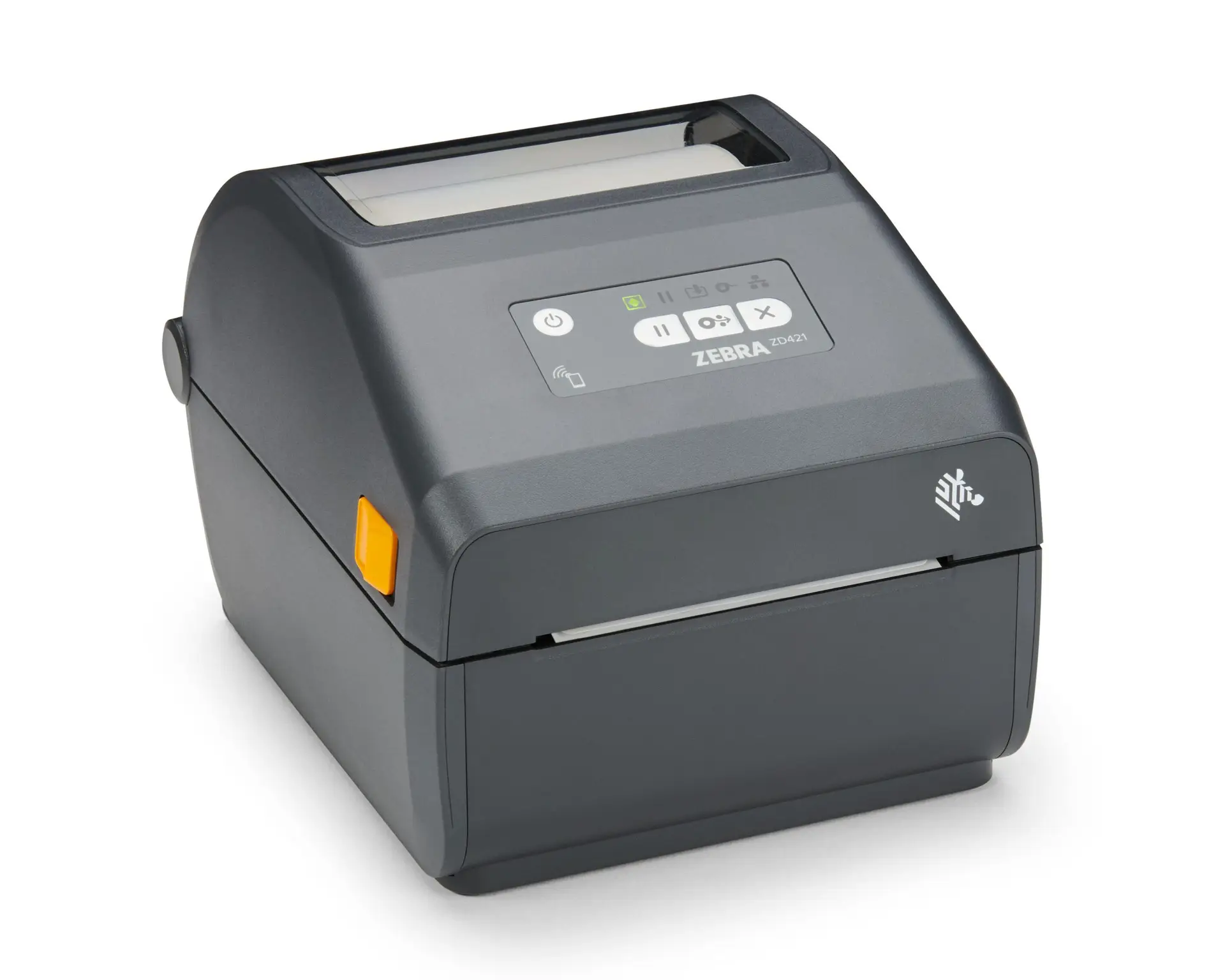
2″ x 1″ and 1″ x 1″ labels fit the ZD411 for shelf tags. 3-inch labels, like the 3″ x 2″, print on the ZD421.
Getting started.
Connect the catalog you already keep, and build from there.
Connect Square
Your items and sales history come across from the catalog you run now.
Set units and vendors
Tell InTrac how each item is bought and how it is sold.
Count once
Set your starting numbers by department.
Order from real numbers
Purchase orders built from what you actually sell.
Common questions.
Short answers. For anything else, talk to us.
How do grocery stores keep track of inventory?
Most grocers use a perpetual count that changes with every sale, receiving that adds deliveries against purchase orders, and regular physical counts that correct for shrink and spoilage. InTrac handles the first two automatically on top of Square and makes the counts faster to reconcile.
How often should a grocery store count inventory?
Many grocers cycle-count perishables and fast-moving items frequently and do full counts less often. The goal is to count often enough to catch shrink and spoilage early, before it shows up in your margins.
Can Square manage grocery inventory on its own?
Square covers basic counts and low-stock alerts. Grocers usually need more once they buy by the case and sell by the each, run purchase orders, or have more than one location. InTrac adds that layer on top of Square.
Does InTrac handle buying by the case and selling by the each?
Yes. InTrac converts vendor units to shelf units, so a case received becomes the right number of units on hand and counts stay accurate as single items sell.
Does it work across multiple locations?
Yes. InTrac supports multi-location management with real-time stock monitoring, so every store works from the same numbers.
Can it reorder automatically?
Yes. InTrac supports automated reordering and demand forecasting, so purchase orders are based on what you actually sell.
Keep exploring
Related industries, solutions, and the modules behind them.
 Purchase Orders
 Retail Shelf Labels
Run your store on real numbers.
Free trial on the latest version. Connect the Square catalog you already keep and see your counts move with every sale.
Start Free Trial See pricing · Want to see it first? Talk to us.