
0 %
Cost savings on Square fees
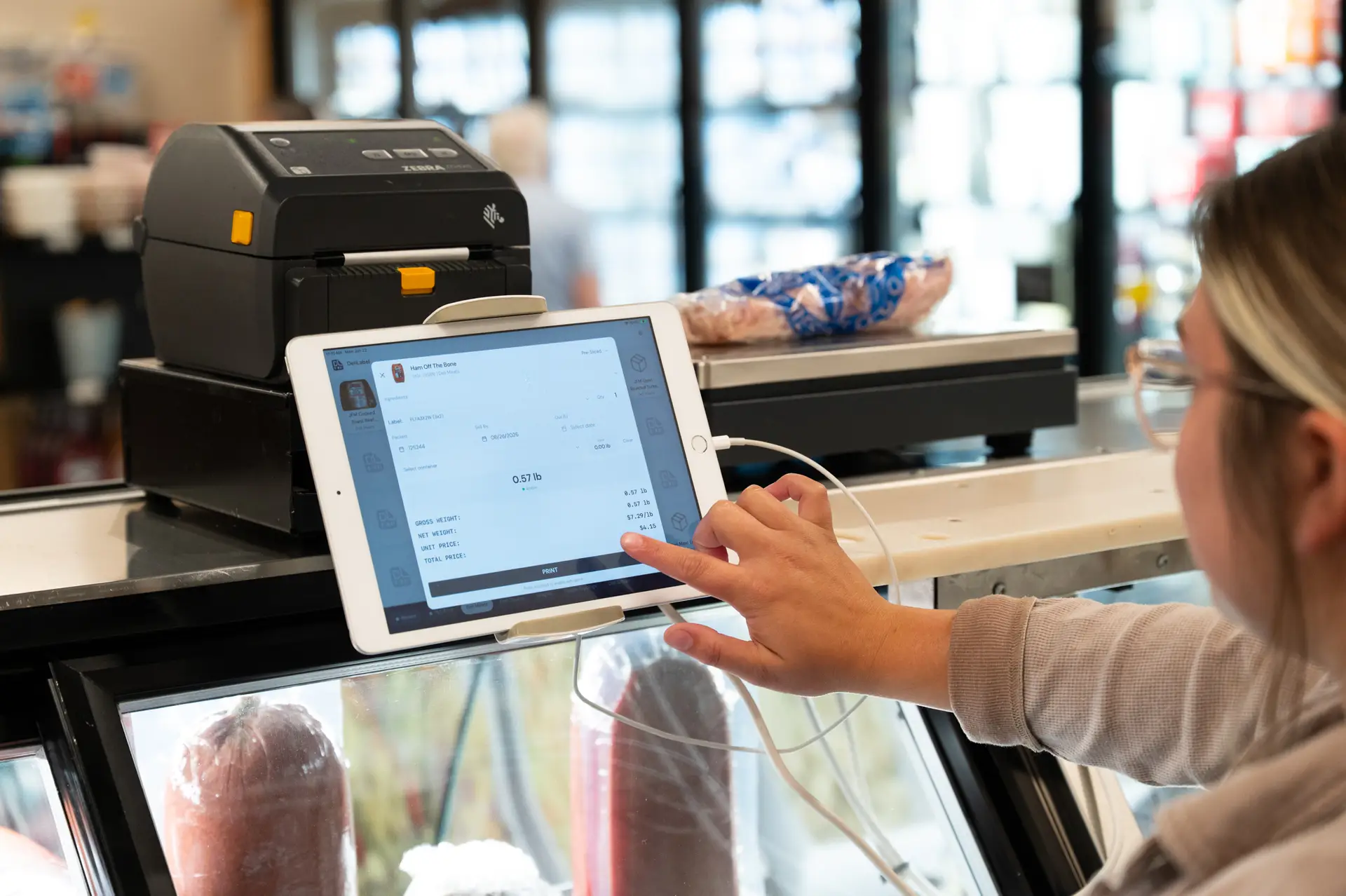
MarketSquare Tech provides comprehensive food labeling solutions designed specifically for small grocery stores, delis, butcher shops, and specialty food retailers.
Our innovative approach to retail food labeling streamlines your operations, enhances customer experience, and ensures regulatory compliance while seamlessly integrating with your existing Square POS system.
Faster Labeling
Our labeling solutions are designed to address the unique challenges faced by food retailers every day.
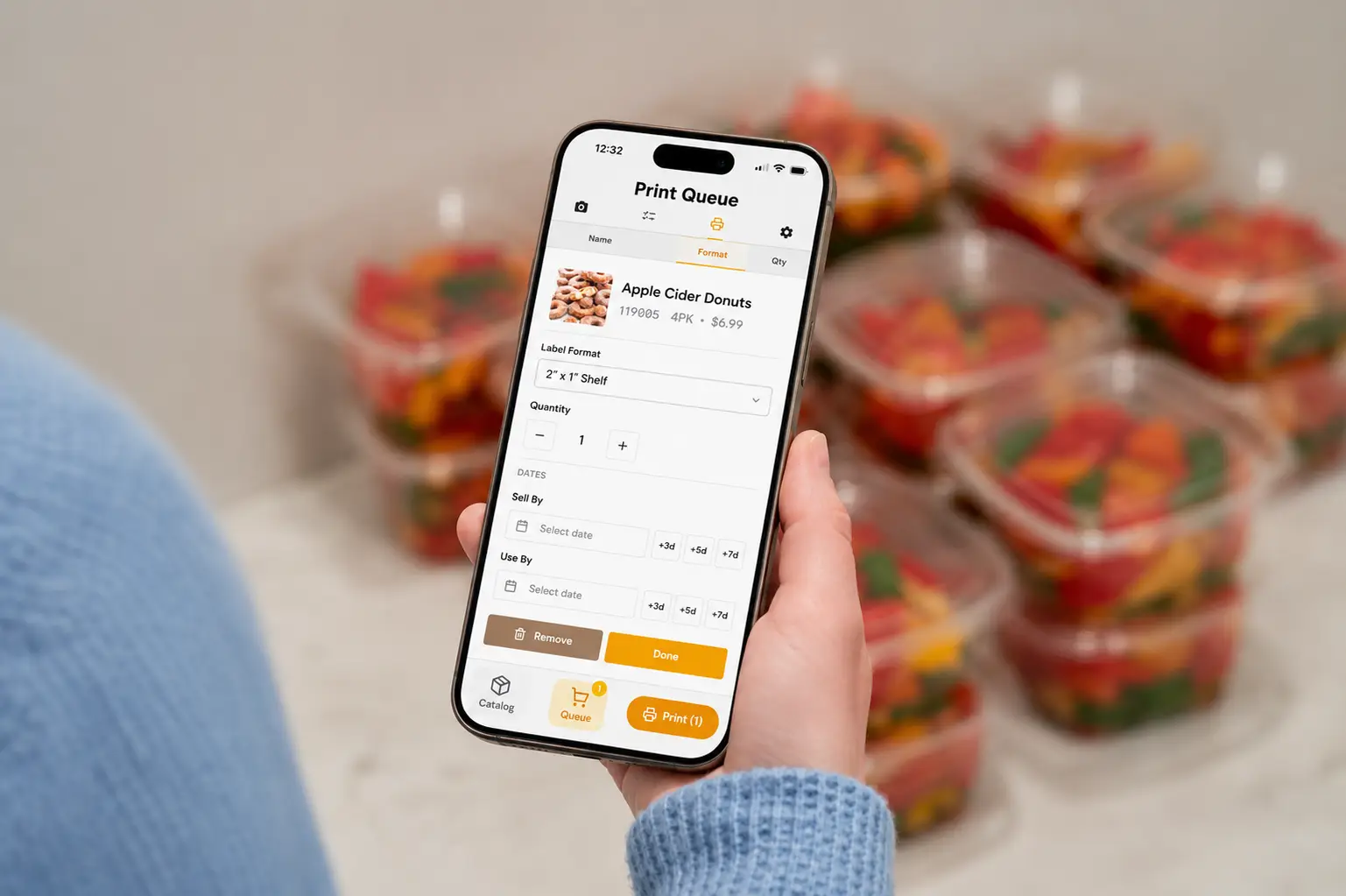
Create barcoded price labels, weight labels, shelf labels, and custom product labels directly from your Square item catalog. Any updates made in Square automatically sync to reflect changes in labels and pricing in real-time.
Our solutions work with industry-leading hardware including Zebra ZD421 and ZD420 printers, as well as Torrey L-PC 40L and L-EQ-10/20 scales. This compatibility ensures high-speed, reliable label printing through Bluetooth or Wi-Fi connectivity.
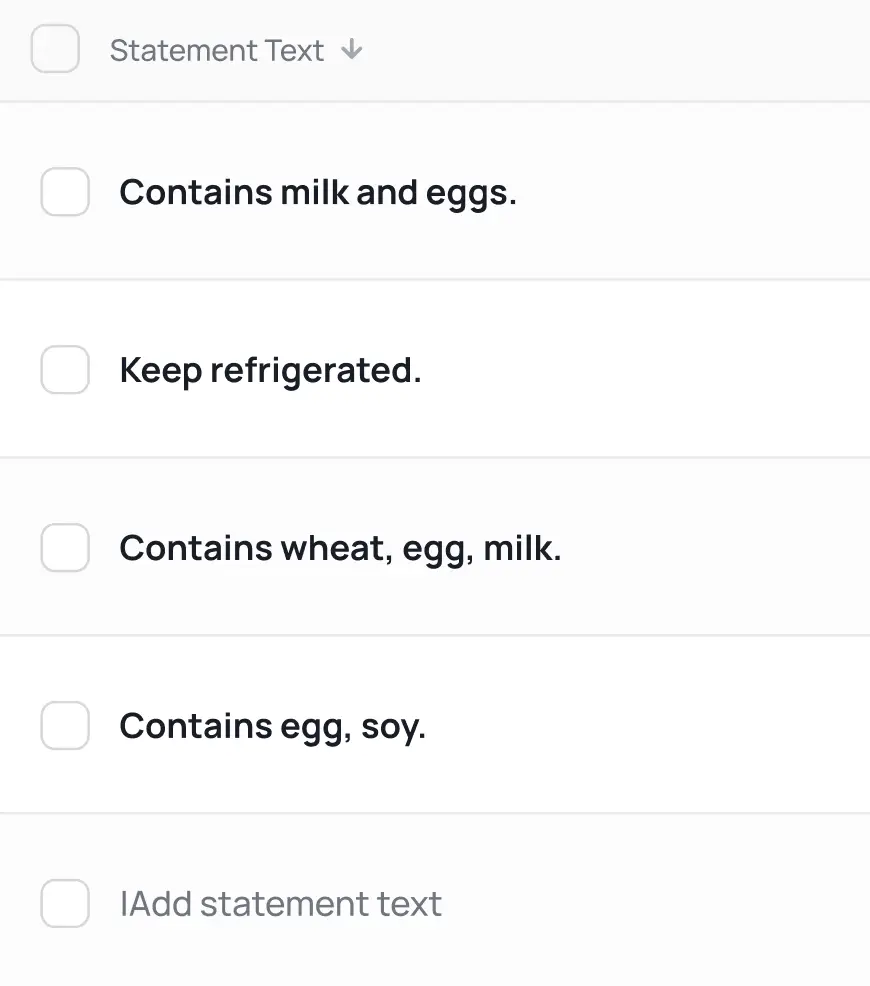
Generate compliant food labels with all required information including ingredients, allergens, nutritional data, and safe handling instructions. Stay ahead of changing regulations with automatic updates.
Create distinctive, professional labels that reinforce your brand identity while providing customers with the information they need.
Efficiently print labels in bulk for shelf items by simply scanning existing barcodes, dramatically reducing the manual workload associated with inventory and price updates.

Connect directly with Bluetooth-enabled scales to capture precise weights for accurate pricing of meat, cheese, and other by-weight products.
Automatically calculate prices based on weight, eliminating manual calculations and ensuring pricing accuracy.
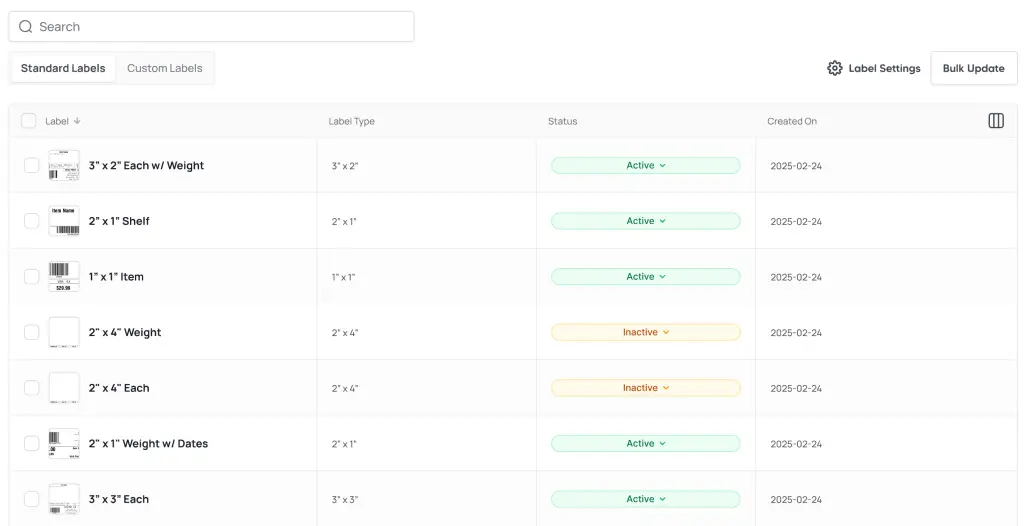
Access specialized templates for meat, cheese, prepared foods, and bakery items with all required food safety information.
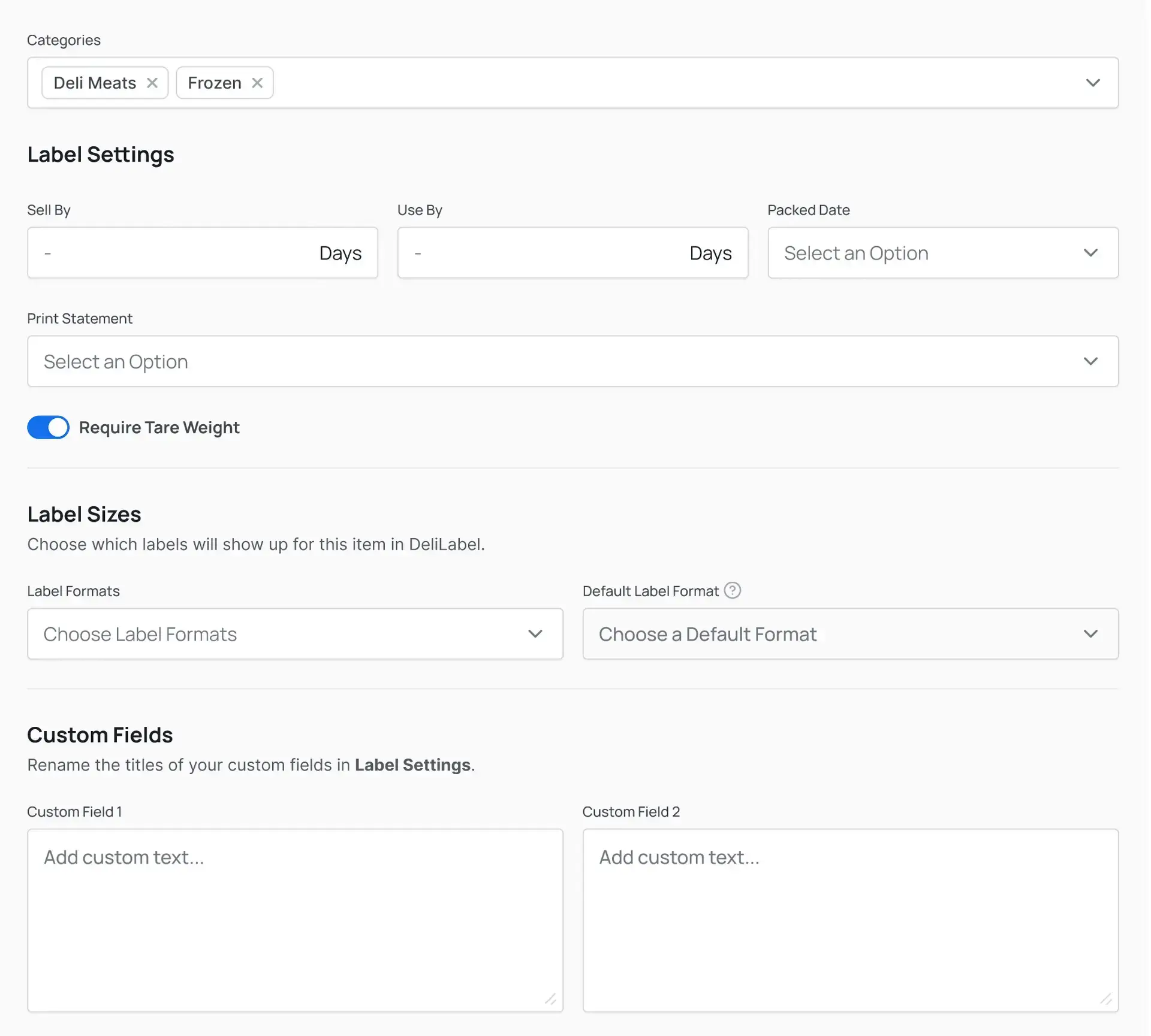
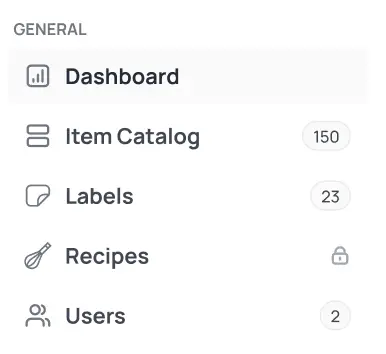
Manage label settings, item data, and print configurations from any location through our web-based dashboard.
Meat and cheese delis, butcher shops, bakeries, and pre-packaged food producers requiring detailed product information and accurate weight-based pricing.

Print shelf labels efficiently by scanning barcodes on existing products, dramatically reducing time spent on label updates.
Process hundreds of label updates in minutes rather than hours with our batch processing system.
Choose from multiple label formats and designs to match your store aesthetic and shelving requirements.
Retail stores, grocery shops, and specialty food retailers focused on efficient shelf management and price updating.
Easily identify and update only the products with price changes, streamlining your pricing strategy implementation.
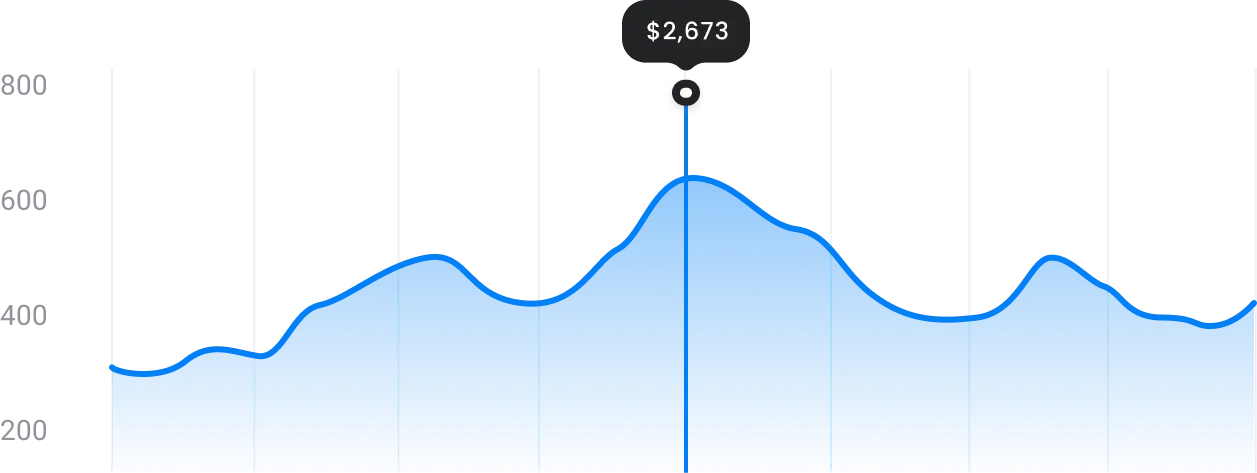
By partnering with MarketSquare Tech for your labeling needs, you’ll reduce operational complexity, increase efficiency, and enhance customer satisfaction—all while maintaining complete control over your product presentation and pricing strategy.
Let us help you transform your labeling processes to save time, reduce errors, and create a more professional presentation for your products.
What version of the app are you currently running?
Log in to your DeliLabel or SwiftLabel account to print from your Square catalog. When you’re ready, take a look at what’s new in the latest version!
Our current platform, with the full MarketSquare toolset. New to the latest version? Sign up and get set up in minutes.