



MarketSquare for RestaurantsKnow what every plate costs, before the month closes.

MarketSquare builds your recipes, portions, and vendor pricing into one place, so food cost is something you can see on a Tuesday instead of guess at in hindsight.

Start Free Trial
Costed to the portion Vendor price changes tracked Prep lists that match the book Works with your Square menu
Restaurant kitchen service

What gets in the way.

The parts of running a kitchen that Square on its own leaves for you to solve.

01

Cost by feel

Menu prices are set by instinct, and only revisited when the month-end numbers look wrong.

02

Recipes in heads

A dish comes out right when the cook who knows it is working. On other shifts, it comes out close.

03

Creeping invoices

Vendor prices creep up a little at a time on each invoice, and nobody notices until the increases add up.

04

Prep and waste

Prep runs long on one item and short on another, and the extra ends up in the bin.

What MarketSquare adds to Square for restaurants.

One subscription, one catalog. Start with the piece that hurts most and add the rest when you need it.

Recipes

Every recipe with its true cost, yield, and portion size, updating when an ingredient price moves.

KitchenHand logo via KitchenHand See how recipes works ›

Purchase Orders

Purchase orders to your vendors, invoices reconciled against them, and price changes surfaced instead of absorbed.

InTrac logo via InTrac See how purchase orders works ›

Inventory

Stock that draws down as dishes sell, so what you count matches what you should have.

InTrac logo via InTrac See how inventory works ›

Labeling

Prep and date labels for the walk-in, so what is in the container is labeled and dated.

DeliLabel logo via DeliLabel See how labeling works ›

Every module works on its own, or get all four as the full suite with a complimentary onboarding call included.

Build your plan

Built in, no add-ons.

The capabilities a kitchen leans on most, all part of the same subscription.

  • Recipe costing and portion control
  • Costs update themselves
  • Prep lists & production planning
  • Visual recipe guides
  • Multi-vendor price comparison
  • Invoice reconciliation
  • Demand forecasting
  • Automated reordering
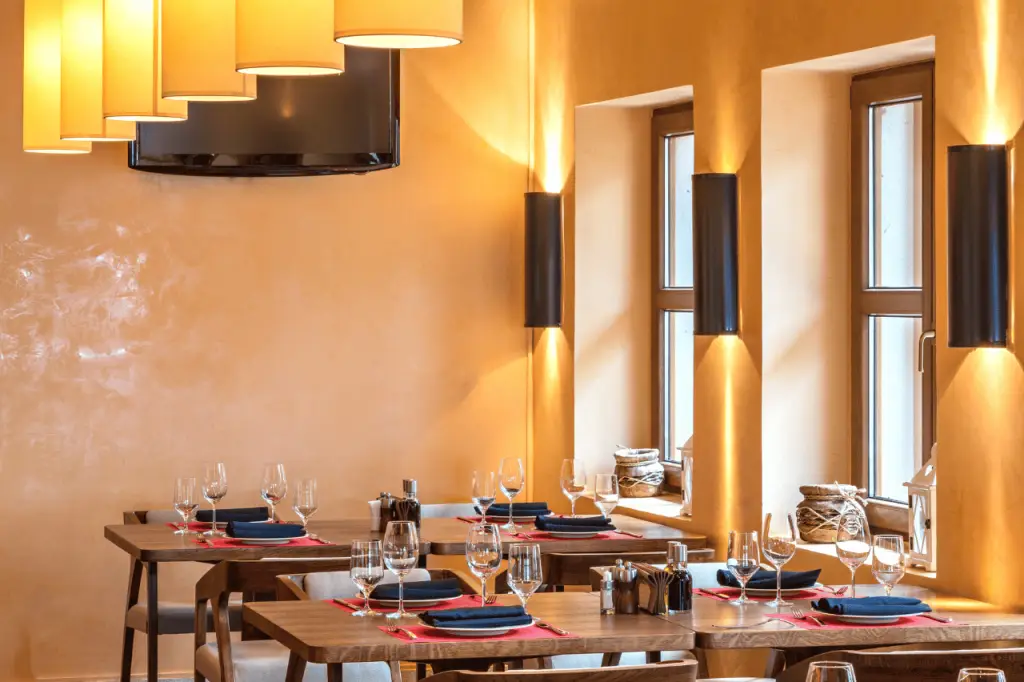
Restaurant dining room
Recipe costing

The cost of the dish, kept current.

Build the recipe once with quantities and yield. MarketSquare costs it out and keeps costing it as invoice prices change, so when the price of an ingredient moves you find out from the recipe, not from the quarter.

Plating in the kitchen
Consistency

The same plate on every shift.

Portions, batch sizes, and prep steps live where the cooks can see them. New people cook the dish the way it is supposed to be cooked, and the plate a regular ordered last month is the plate they get tonight.

Kitchen prep line
Purchasing

Ordering that knows what you actually use.

Purchase orders built from what the kitchen is going through, received against the invoice, with vendor prices compared instead of taken as given.

Getting started.

Connect the catalog you already keep, and build from there.

Connect Square

Your menu items come across from the catalog.

Build the recipes

Ingredients, quantities, yields. Start with the dishes that move.

Add your vendors

Bring in pricing so recipes cost themselves.

Run the numbers

Food cost per dish, per category, current rather than historical.

Need a printer or scale? Shop starter bundles or take the hardware quiz.

Questions restaurant owners ask.

Short answers. For anything else, talk to us.

Does MarketSquare calculate food cost per dish?

Yes. KitchenHand costs every recipe from its ingredients, quantities, and yield, down to the portion, and recosts it as ingredient prices change so the number stays current.

What happens when a vendor raises a price?

InTrac reconciles invoices against purchase orders and compares vendor pricing, so a price increase shows up as a change rather than disappearing into the month. Recipe costs update with it.

Can the kitchen see the recipes?

Yes. Recipes, portions, and prep steps live where the line can see them, with visual recipe guides and prep lists, so a new cook plates the dish the way it is supposed to be plated.

Does it handle ordering?

InTrac builds purchase orders from what the kitchen is using, receives against the invoice, and supports automated reordering and demand forecasting.

How much does it cost for a restaurant?

That depends on which modules you need. Every module is available on its own, or all four together as the full suite, which also includes a complimentary onboarding call. The pricing page has a plan builder that shows exactly what your setup would cost.

Do I have to re-enter my menu?

No. Connect Square and your menu items come across from the catalog you already maintain.

“

Our biggest thing: we didn’t keep up with price changes very well. This takes care of all of that. Employees don’t have to figure out profit margins or anything, because it all does it automatically.

Joe Ulmer · Owner KitchenHand
Case Study

See what changed for shops like yours

Real stores, real setups, and the busywork that disappeared.

Read the case studies ›

Not quite your shop?

MarketSquare runs in a few different kinds of business. Find the one that looks like yours.

Still not seeing it? Schedule a call and we will walk through your setup.

Put your kitchen on one system.

Free trial on the latest version. Connect your Square catalog and print your first label in minutes.

Start Free Trial See pricing · Want to see it first? Talk to us.

Request Custom Label

Log In

What version of the app are you currently running?

Legacy

Log in to your DeliLabel or SwiftLabel account to print from your Square catalog. When you’re ready, take a look at what’s new in the latest version!

Latest

Our current platform, with the full MarketSquare toolset. New to the latest version? Sign up and get set up in minutes.