
 DeliLabel
 SwiftLabel
 KitchenHand
 InTrac
 Markets & Grocery
 Delis & Butchers
 Restaurants
 Bakeries
 Retail
 Hospitality
SwiftLabel for RetailRetail shelf labels and price tags, printed from your Square catalog.
SwiftLabel prints shelf tags and item labels in batches, straight from the items you already keep in Square, so the price on the shelf always matches the price at the register.

What a shelf label system should fix.
The four places retail price tags usually go wrong.
Tags that disagree with the register
A price changes in Square and the shelf keeps the old one until a customer notices first.
Re-tagging by hand
A price change across a category means printing and swapping tags one at a time.
Handwritten or spreadsheet tags
Tags made in a word processor drift from the real catalog the moment anything changes.
New stock waiting on labels
Deliveries sit in the back until someone has time to label them for the floor.

Change a price once, re-tag the whole section.
Update the price in Square, select the section, and send the batch. SwiftLabel prints in the background while you keep working, so a store-wide price change is something you finish between customers instead of after closing.

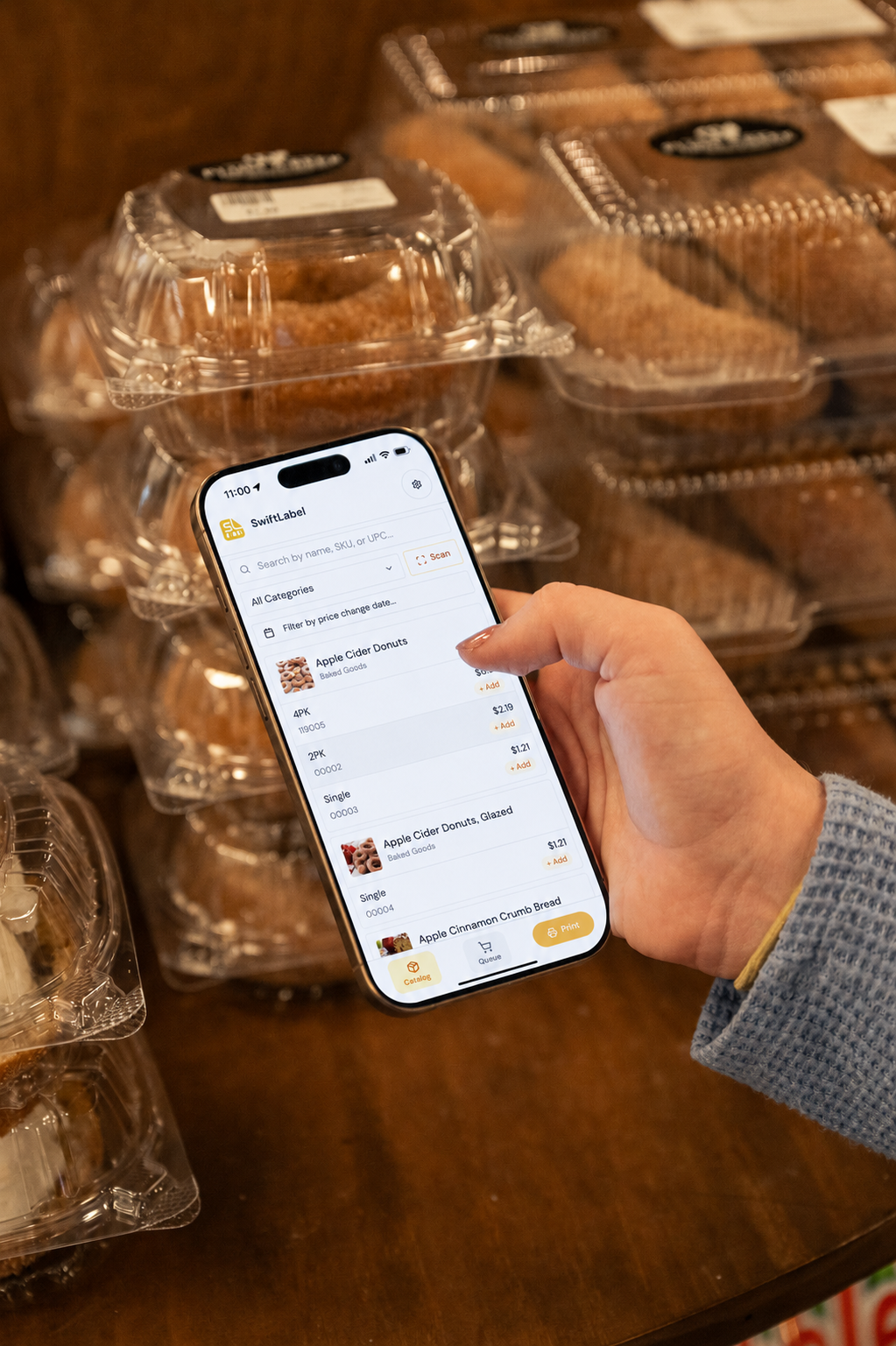
Scan down the aisle and print as you go.
Scan an item to pull it from your Square catalog and print its tag on the spot. Every label carries a barcode the register reads, and your logo and layout are set once, so every tag in the store matches.
What goes on a retail shelf label?
A retail shelf label tells a shopper what the item is and what it costs, and it lets your team scan it. Most stores print some combination of:
- Product name and size or variant
- Price, plus any sale price
- Barcode or SKU for scanning
- Unit price, where your state requires it
- Your store branding or logo
- Department or aisle, if you use them
Unit-pricing rules for shelf tags vary by state. Check yours for the categories you sell.
Printed or electronic shelf labels?
Electronic shelf labels are the most common question we see from retailers comparing options. Here is the honest trade-off for an independent store.
Printed shelf labels
- Low cost per tag, and they work with the shelf channels and clips you already have
- Update by reprinting the section after a price change
- One printer covers the whole store
- Easy to start: a printer and a roll of labels
Electronic shelf labels
- Prices update automatically once the system is installed
- Each tag is its own device, plus wireless base stations
- Higher upfront cost and installation per store
- Usually a fit for larger chains with frequent price changes
Get set up: printer and labels.
Everything here works with SwiftLabel. Add it to your cart now, or start with the bundle.
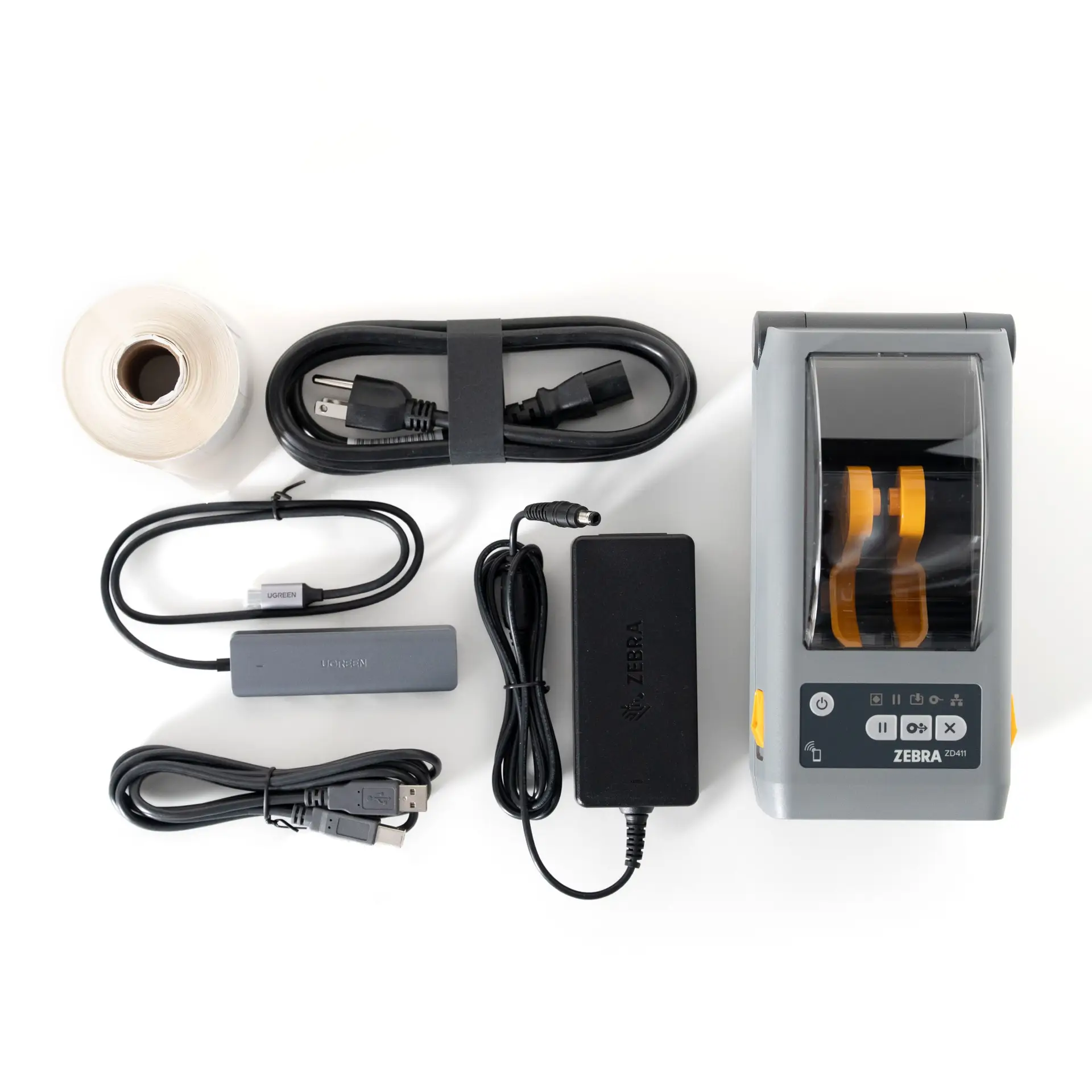
SwiftLabel COMPLETE Starter Bundle
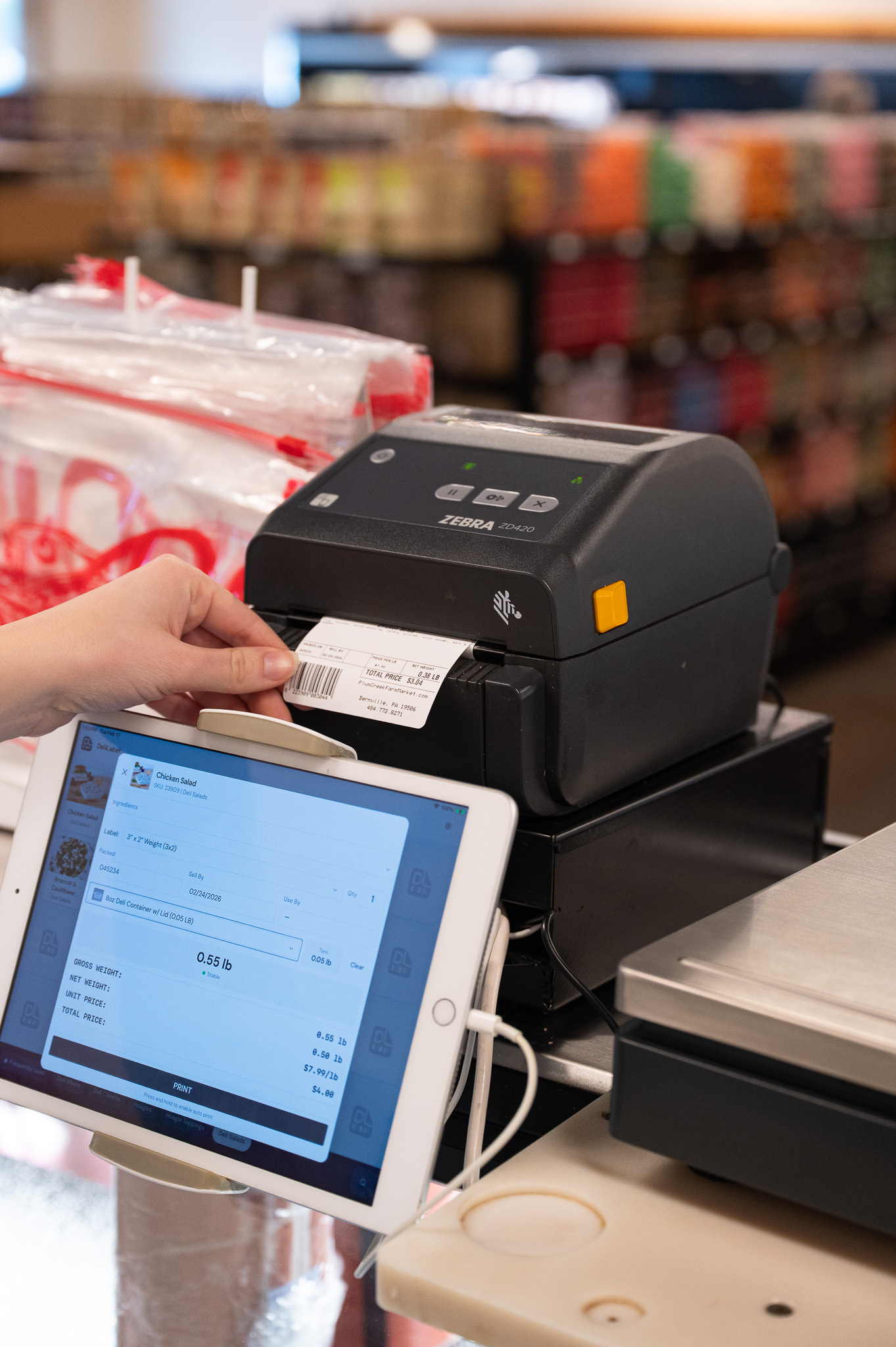
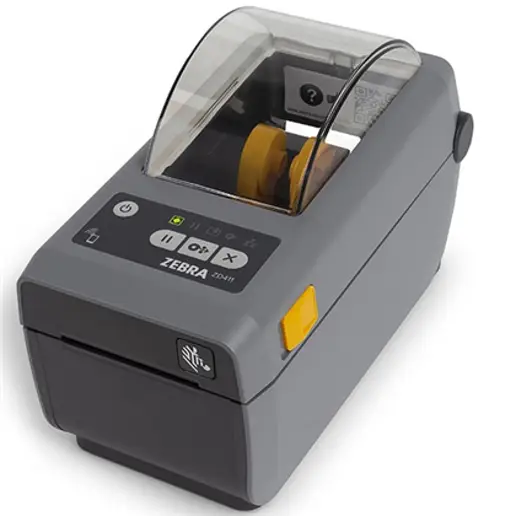
- Zebra ZD411 label printer and accessories
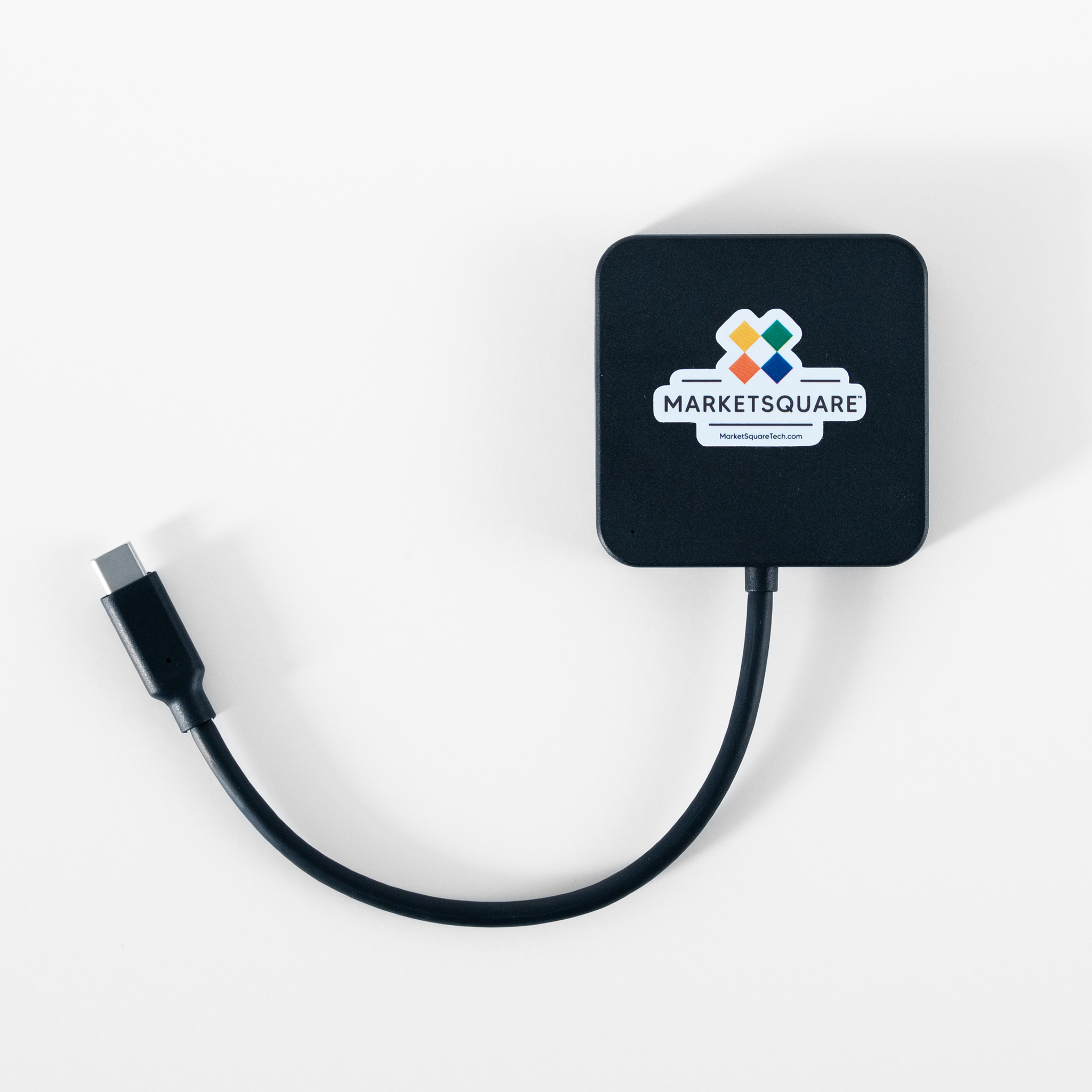
- MarketSquare USB hub
- A roll of 2″ x 1″ labels to get started
iPad or Android device not included. SwiftLabel itself is a subscription; see pricing.
Not sure what you need?
Answer a few questions about how you sell and we’ll match the right printer, scale, and labels to your setup.
Take the hardware quiz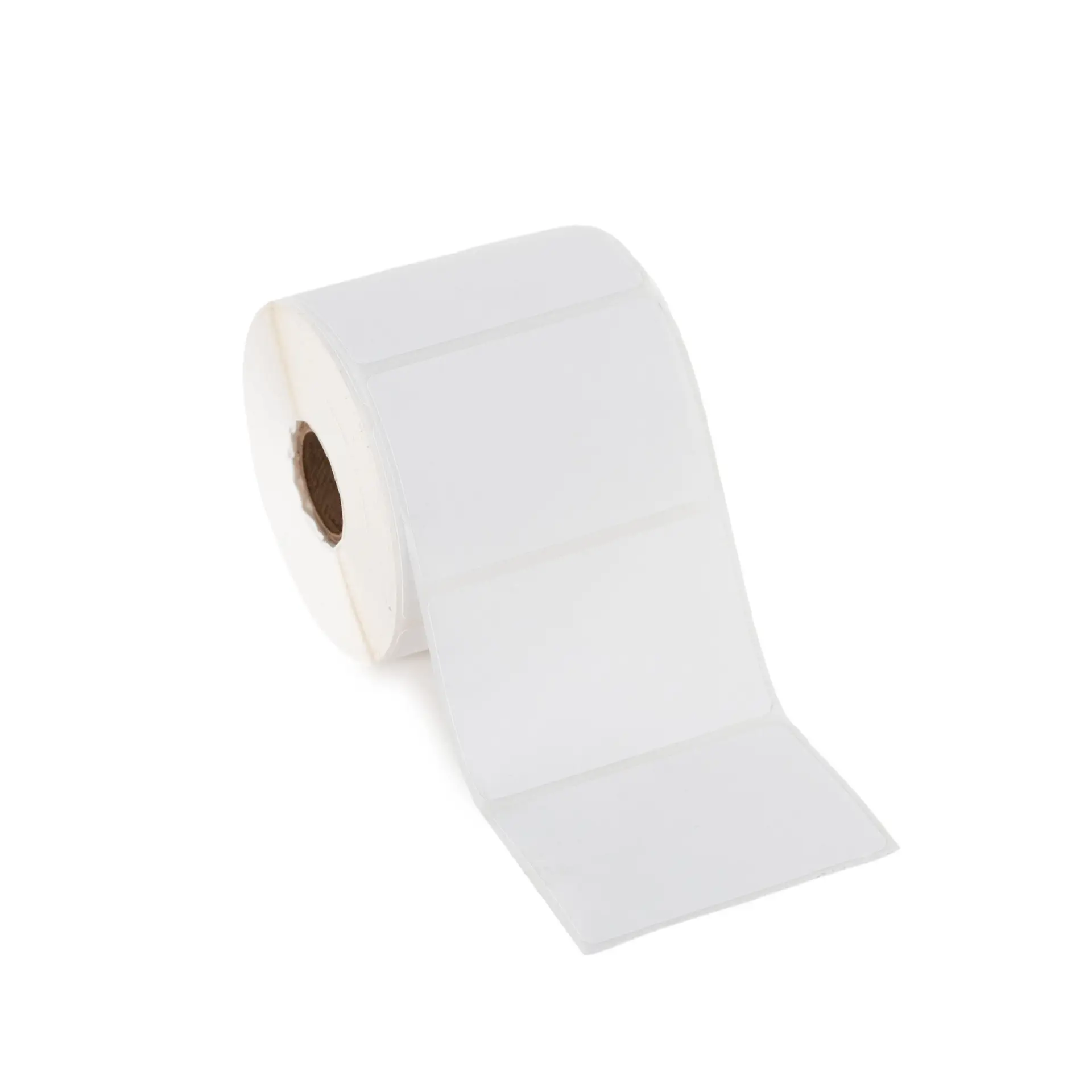
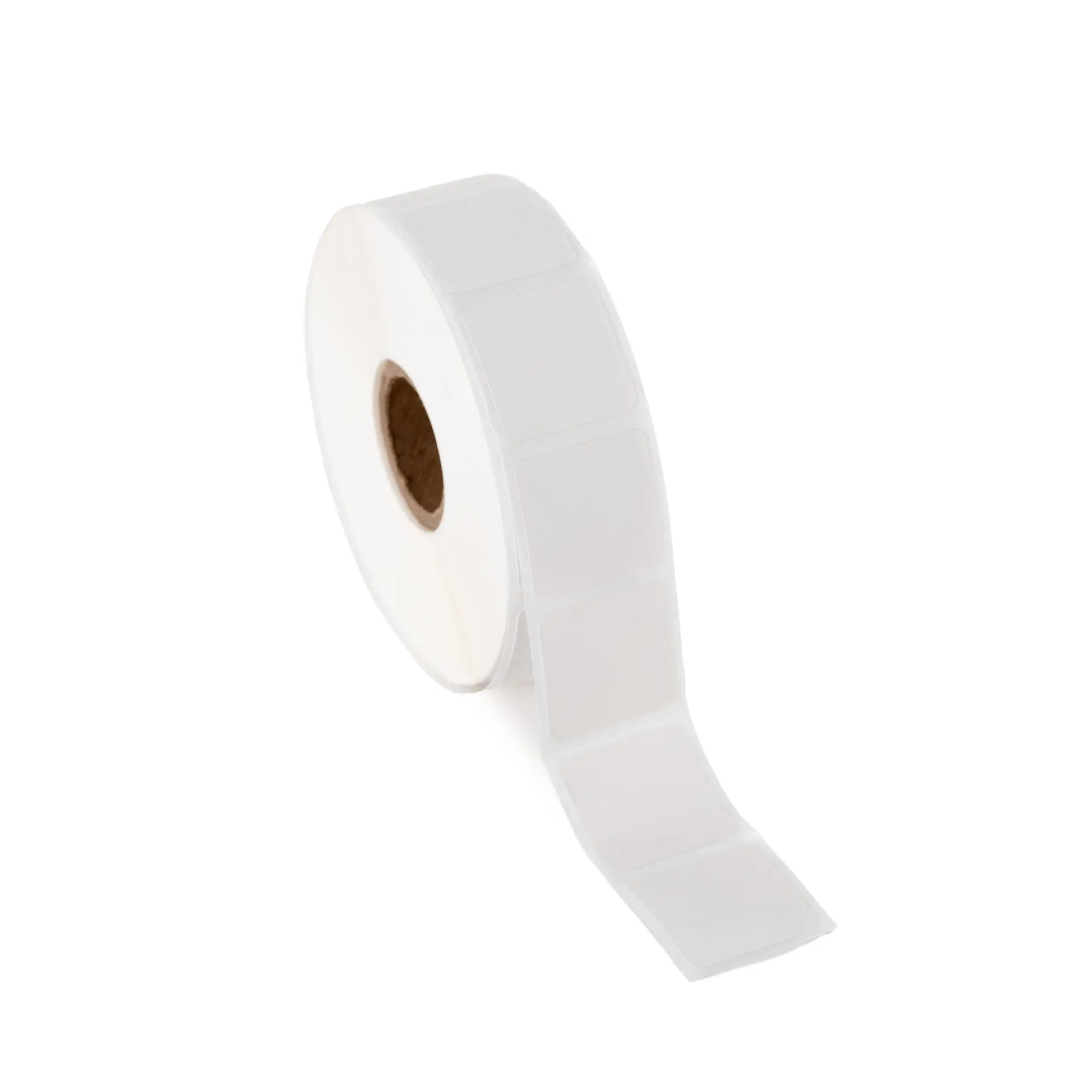
The ZD411 prints labels up to 2.2 inches wide, and these three sizes fit it. Need 3-inch labels? Those print on the Zebra ZD421.
Getting started.
Connect the catalog you already keep, and build from there.
Connect Square
Your items, prices, and categories sync over. Nothing to re-enter.
Pick a label size and layout
Set your branding and what each tag shows, once.
Scan or select
Choose a section or scan your way down the aisle.
Print and restock
Batches run in the background while you keep serving.
Common questions.
Short answers. For anything else, talk to us.
How do I print shelf labels from Square?
Square does not batch-print shelf tags on its own. SwiftLabel connects to your Square catalog, lets you select a section or scan items, and prints shelf tags and item labels in one batch on a Zebra label printer.
What printer do I need for retail shelf labels?
SwiftLabel uses the Zebra ZD411, which prints labels up to 2.2 inches wide. The SwiftLabel Starter Bundle includes the printer, a USB hub, and a roll of 2 x 1 inch labels. Not sure what fits your setup? Take the hardware quiz.
Should I use printed or electronic shelf labels?
For most independent retailers, printed labels are the practical choice: low cost per tag, they fit the shelf channels you already have, and a price change is one batch reprint. Electronic shelf labels update automatically, but every tag is its own device, so they cost more upfront and usually suit larger chains.
What information goes on a retail shelf label?
Typically the product name and size, the price and any sale price, a barcode or SKU, and your store branding. Some states also require a unit price on the tag for certain categories, so check your state rules.
How do I update price tags after a price change?
Change the price in Square, then reprint the affected section in one batch. Because labels print from your Square catalog, the new tags match the register automatically.
Does SwiftLabel work on iPad or Android?
Yes. SwiftLabel runs on iPad and Android. Android setups use the MarketSquare USB-C hub to connect the printer.
Keep exploring
Related industries, solutions, and the modules behind them.
 Labeling
 SwiftLabel
Put the right price on every shelf.
Free trial on the latest version. Connect your Square catalog and print your first shelf tag in minutes.
Start Free Trial See pricing · Want to see it first? Talk to us.